
This information is based on the EasyData App available on TI-84 Evo calculators running operating system v7.1.0, released September 9, 2026.
The following sensors are supported:
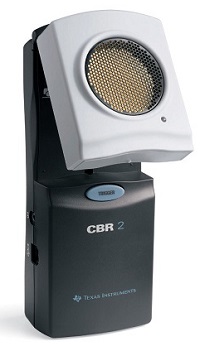
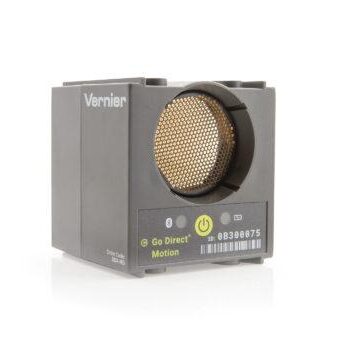
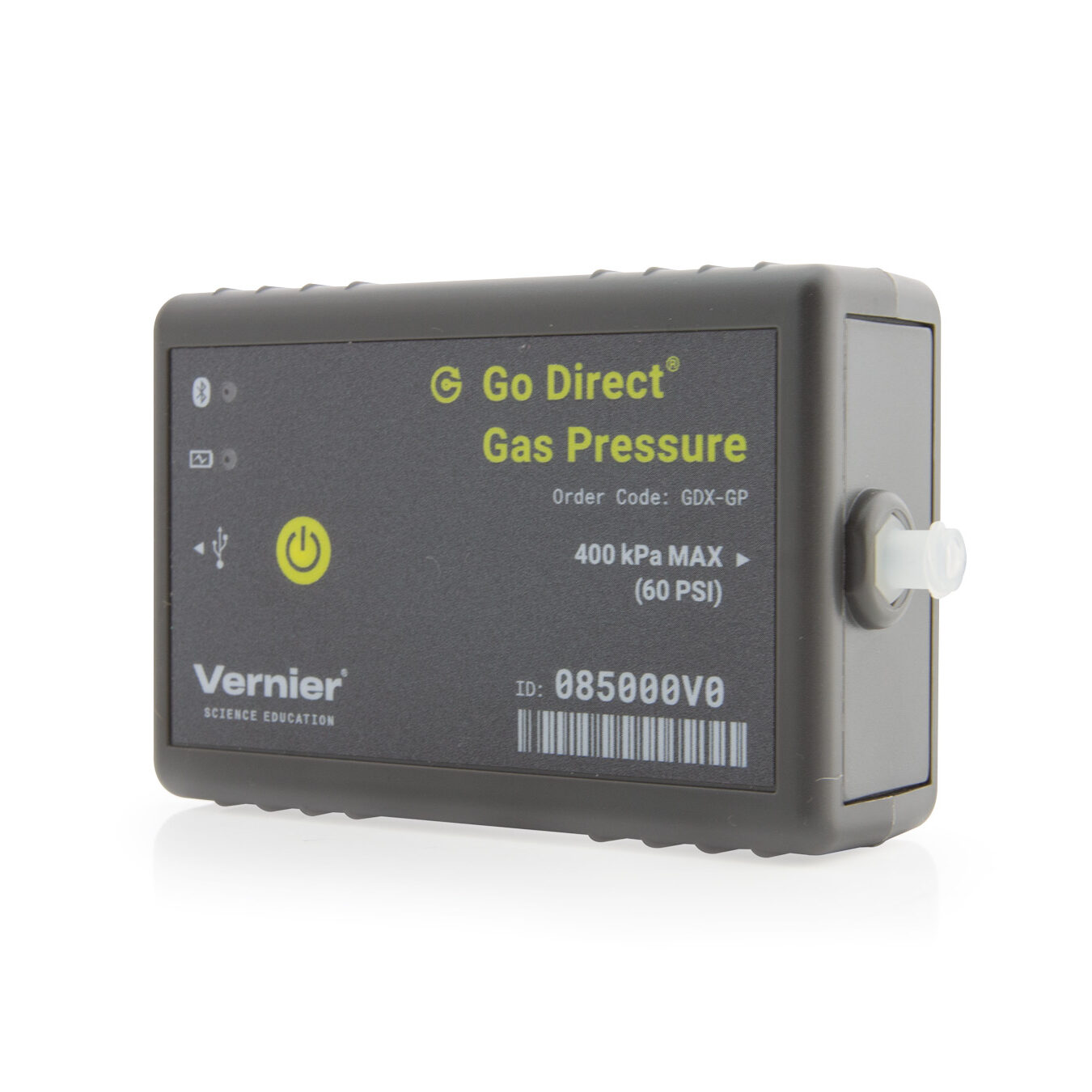
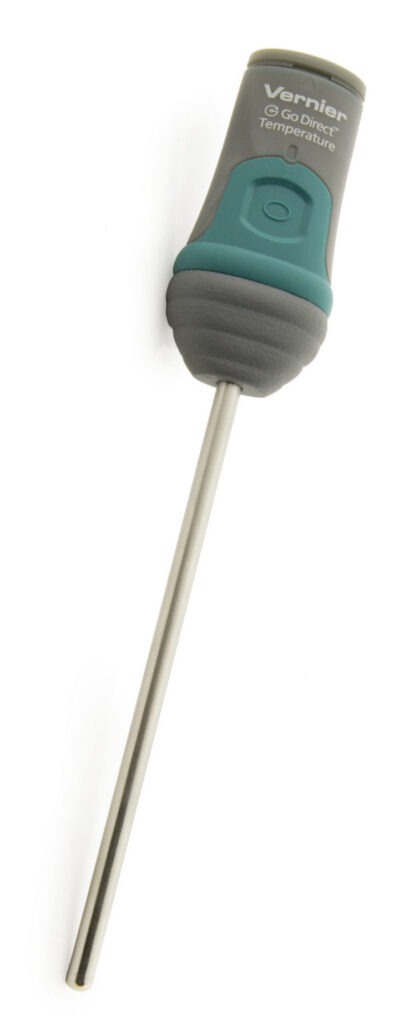
pH Sensors (sensor calibration not supported using a calculator)
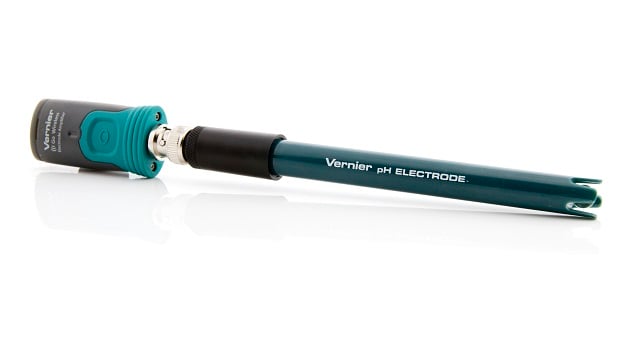
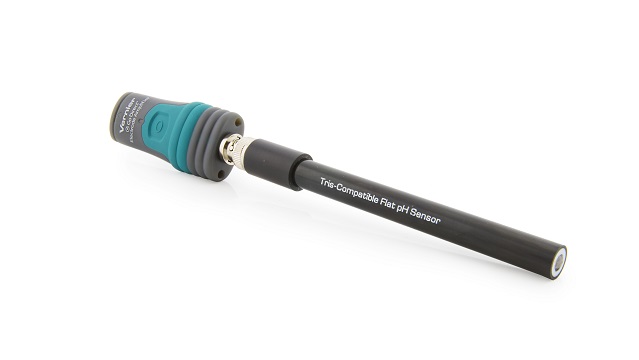
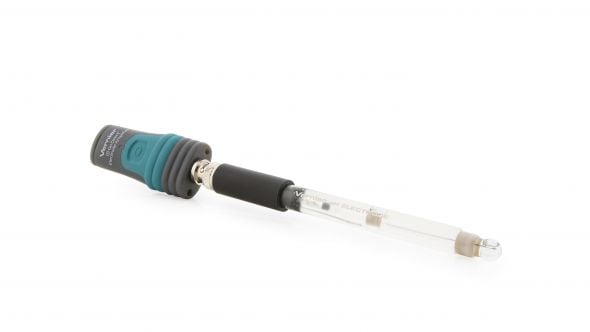
Adapters/Cables needed for connecting supported sensors to TI-84 Evo
| Adapter/Cable | Description | Sensor |
|---|---|---|
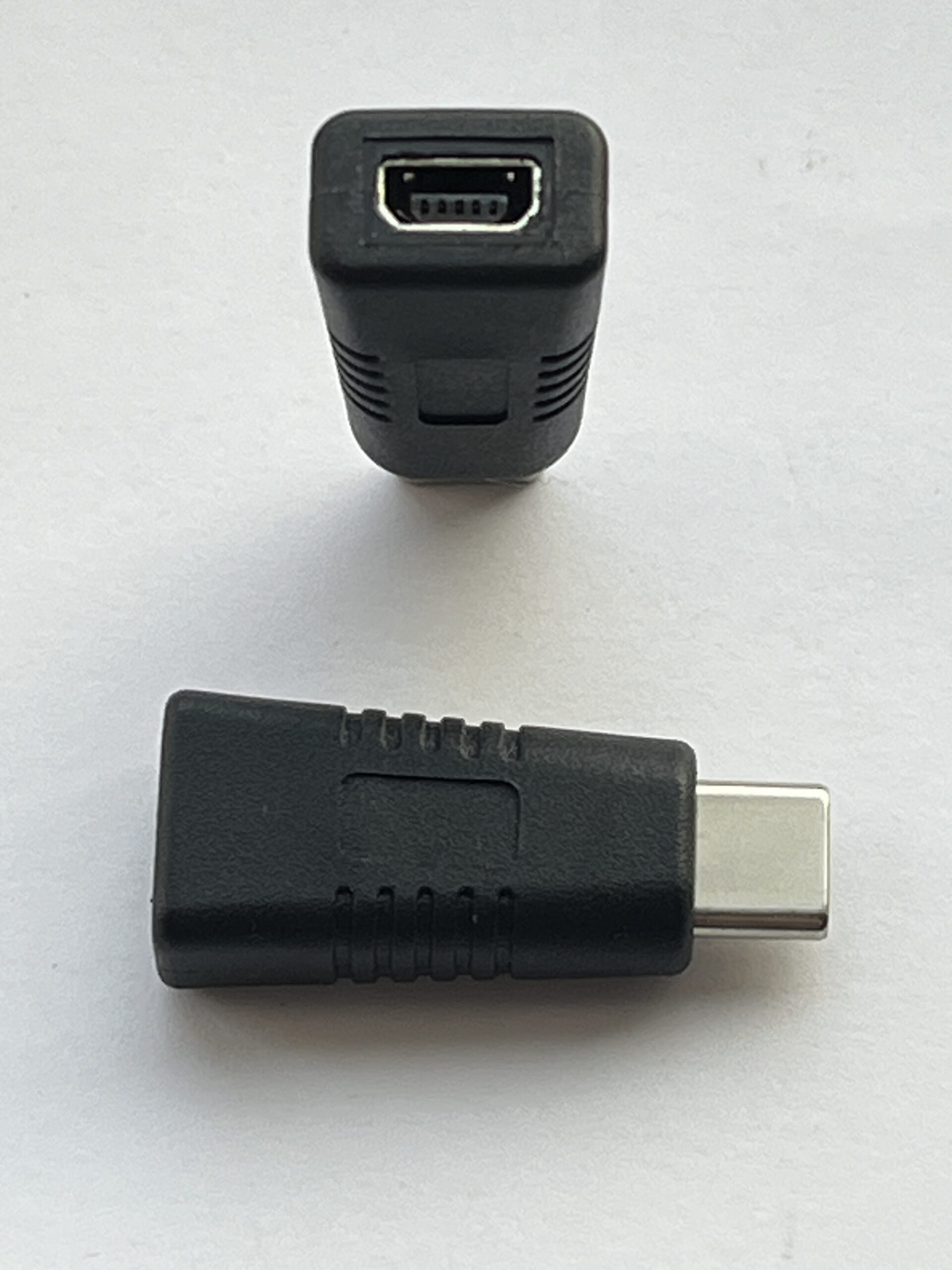 |
Mini USB to USB C Cable Adapter (Available from Texas Instruments, included with new CBR 2 units) |
∘ CBR 2 |
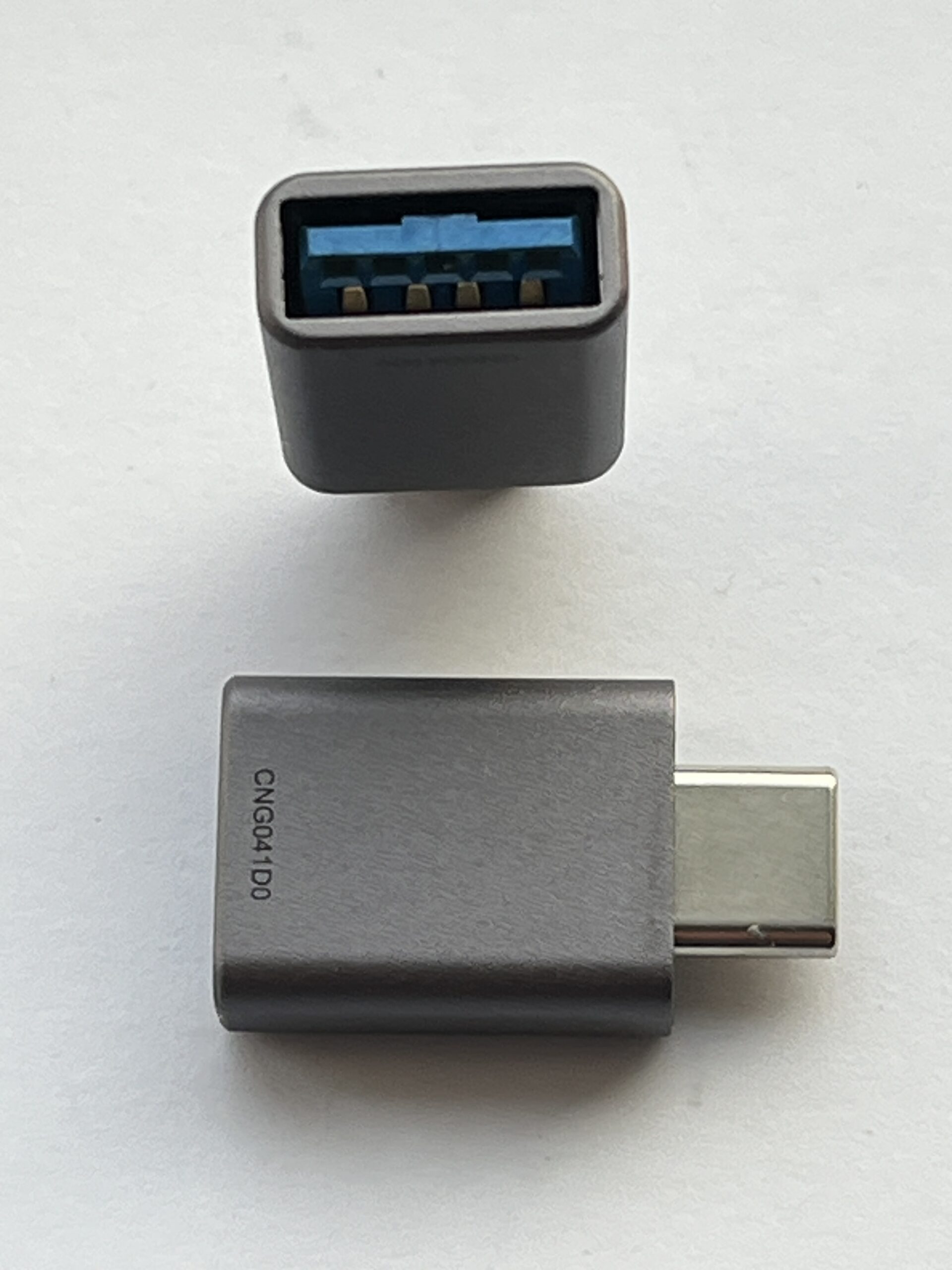 |
USB-A to USB-C Cable Adapter (Not sold by Vernier or Texas Instruments) |
∘ Any supported Go Direct Sensor (use with sensor’s charging cable) |
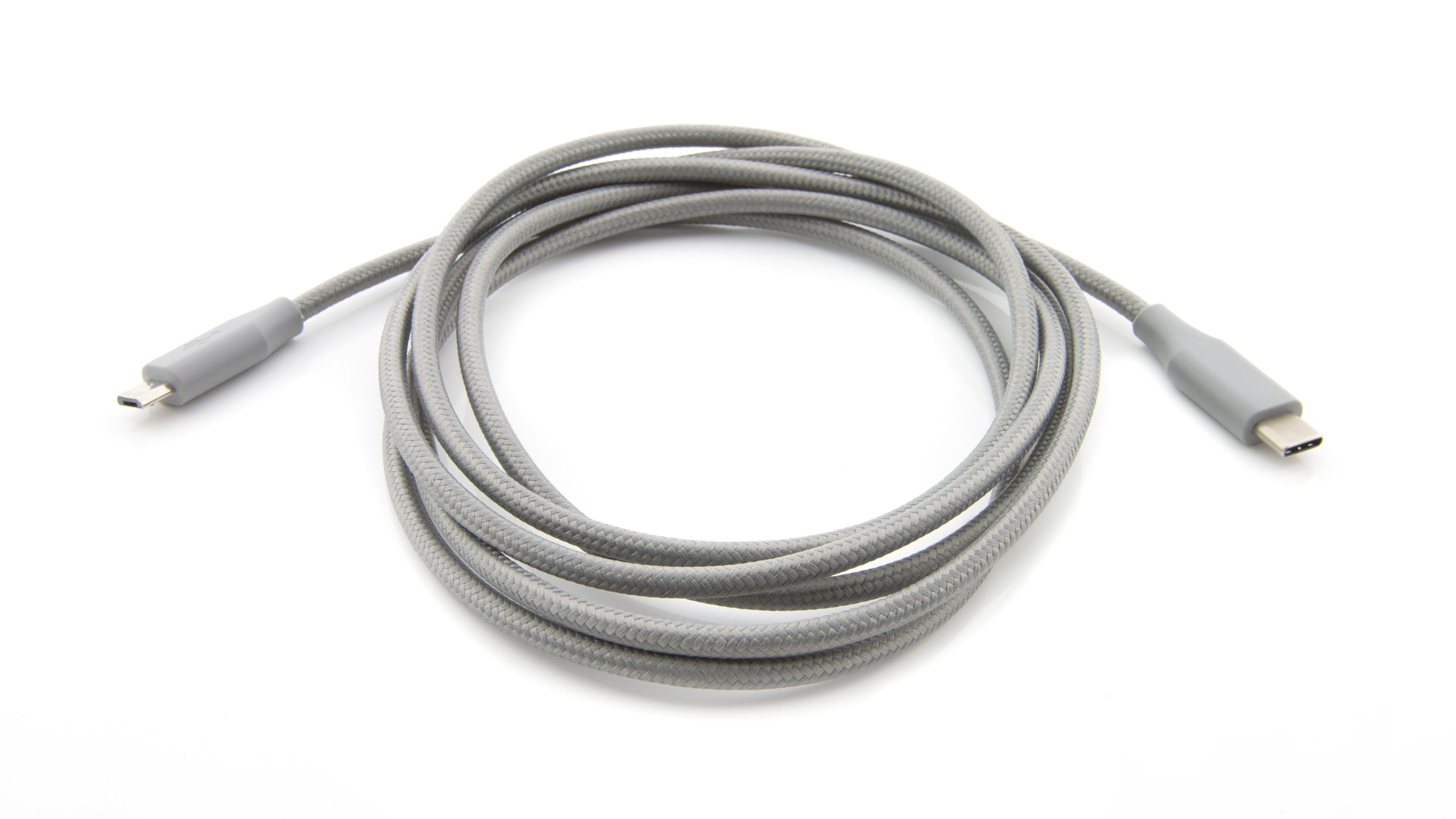 |
Micro USB to USB-C Cable ( |
∘ Any supported Go Direct Sensor with Micro USB charging port* |
➕  |
Mini USB to USB C Cable Adapter (Available from Texas Instruments) ➕ TI Calculator Data-Only Go Direct Sensor Cable ( |
∘ Any supported Go Direct Sensor with Micro USB charging port* |
 |
Unit-to-unit USB C Cable (Available from Texas Instruments) |
∘ Go Direct Gas Pressure with USB-C charging port (Purchased September 2026 or later*) |
Unsupported Sensors
- EasyTemp (
EZ-TMP ) temperature probe - EasyLink (
EZ-LINK ) sensor interface and supported sensors - Other Go Direct Sensors not included in the supported sensor list