
Basic Information
- What sensors are supported with EasyData on a TI-84 Evo calculator?
- What is needed to use Go Direct sensors with the TI-84 Evo?
- How do I collect data with Go Direct sensors on a TI-84 Evo calculator?
- How do I calibrate a Go Direct sensor using a Texas Instruments calculator?
Troubleshooting
- Verify your TI-84 Evo calculator is running OS version 7.1.0 or newer.
- Verify you are using a supported sensor with the appropriate cable or adapter for connecting the sensor to the calculator.
- If you continue to have connection issues, try connecting the sensor to a computer, Chromebook, phone, or tablet using our Graphical Analysis app.
For additional assistance, contact us at 888-837-6437 or support@vernier.com.
Frequently Asked Questions
A: No.
Only TI-84 Evo calculators support data collection with Go Direct sensors. (For images of older TI calculators, see Which Texas Instruments calculators do you sell?)
A: No.
Only TI-84 Evo calculators support sensor data collection.
A: No.
TI does not support sensor data collection using any of their Online Calculator apps.
A: Use a projector connected to a document camera aimed at your TI-84 Evo calculator.
Because there are no TI-84 Evo computer apps that support data collection with sensors, you cannot use software running on a computer to demonstrate data collection to your class. Your best option is to project the screen of a TI-84 Evo calculator using a document camera.
A: No.
Only one sensor can be connected to a TI-84 Evo calculator at a time.
A: No. EasyTemp and EasyLink are not supported in EasyData for TI-84 Evo (v7.1.0).
While not officially supported, these devices can work for some basic data collection experiments. Typical data collection rates, durations, and decimal precision are not applied. Other more advanced functionality (e.g., calibration) may not be working as expected or at all.
A USB-Mini to USB-C cable adapter (available from Texas Instruments) is required to connect an EasyTemp or EasyLink to the TI-84 Evo.
A future TI-84 Evo update may add support for EasyTemp and EasyLink. TI-84 Evo updates are solely determined by Texas Instruments.
A: No. Other Go Direct sensors are not supported in EasyData for TI-84 Evo (v7.1.0).
While not officially supported, some Go Direct sensors can work for basic data collection experiments. Typical data collection rates, durations, and decimal precision are not applied. In addition, not all features supported by these sensors are supported in EasyData. For example, sensors with multiple sensor channels can only use one sensor channel at a time.
A future TI-84 Evo update may add support for additional Go Direct sensors. TI-84 Evo updates are solely determined by Texas Instruments.
A: No.
Go Direct sensors must connect to the TI-84 Evo calculator using a USB cable. The TI Bluetooth® Adapter (
A future TI-84 Evo update may add support for wireless connectivity with Go Direct sensors. TI-84 Evo updates are solely determined by Texas Instruments.
A: No
The EasyData app neither checks for nor provides notifications of available Go Direct sensor firmware updates. To check for firmware updates for your sensors, use the free Go Direct Firmware Updater app (available for computers only).
A: Yes, whenever possible.
Data collected at 50 samples per seconds or faster (interval 0.02 or smaller) are not plotted live; graphs update after data collection completes.
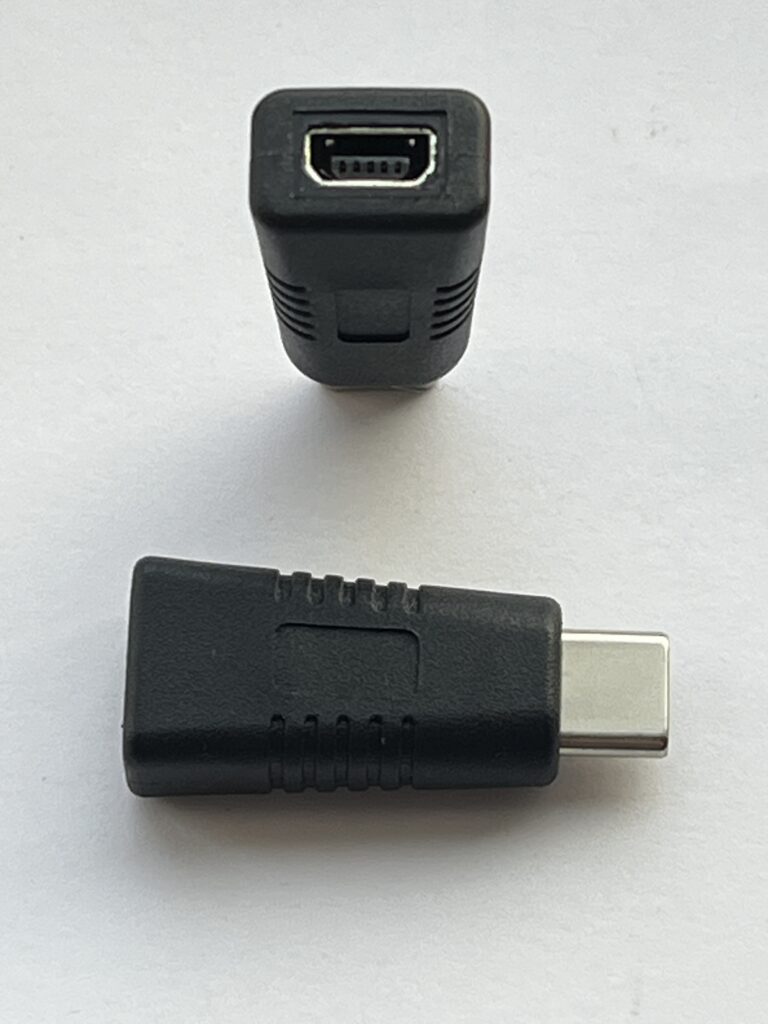
A: The cable and adapters you need depend on the sensor. See the table below for details.
| Adapter/Cable | Description | Sensor |
|---|---|---|
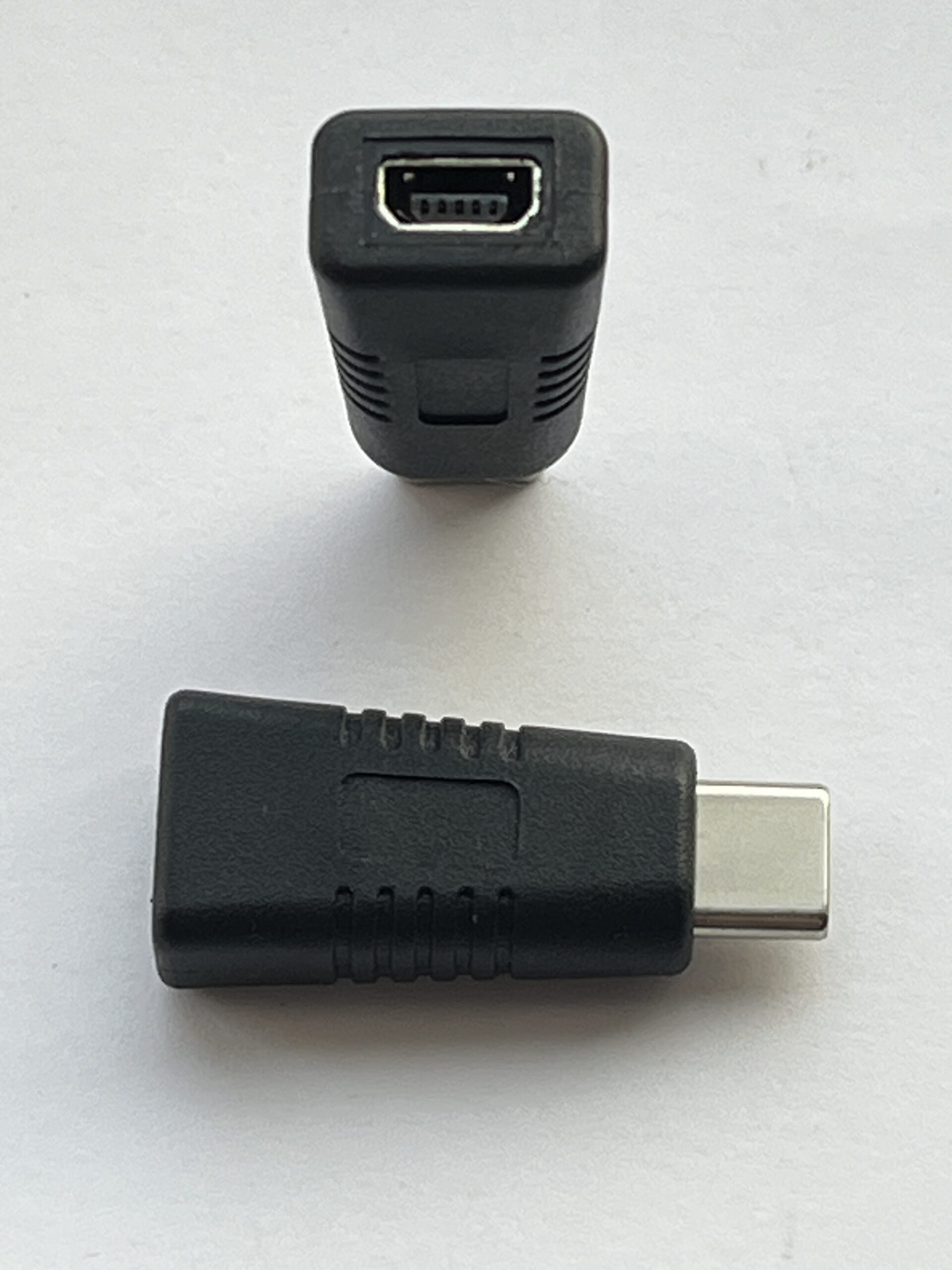 |
Mini USB to USB C Cable Adapter (Available from Texas Instruments, included with new CBR 2 units) |
∘ CBR 2 |
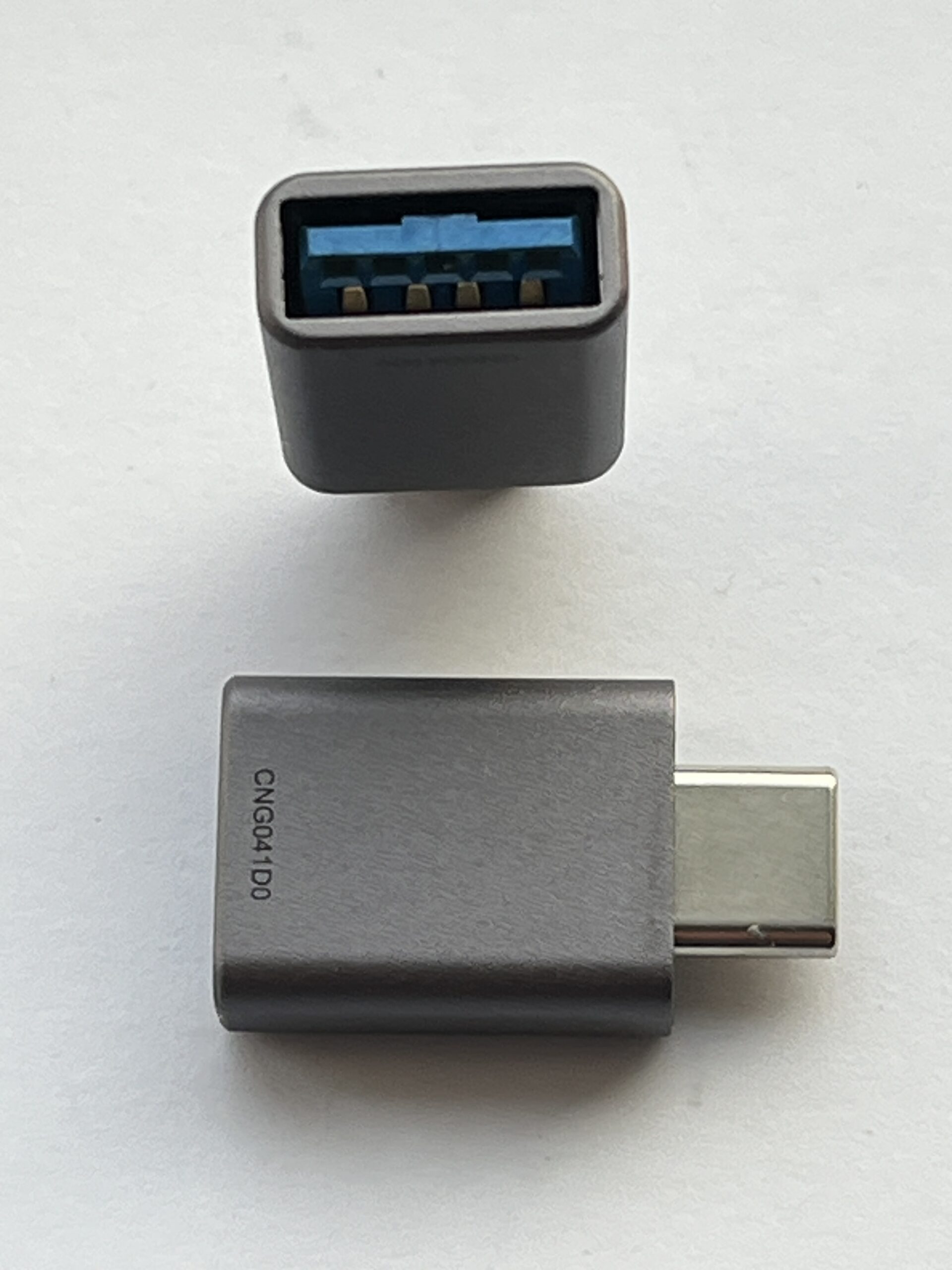 |
USB-A to USB-C Cable Adapter (Not sold by Vernier or Texas Instruments) |
∘ Any supported Go Direct Sensor (use with sensor’s charging cable) |
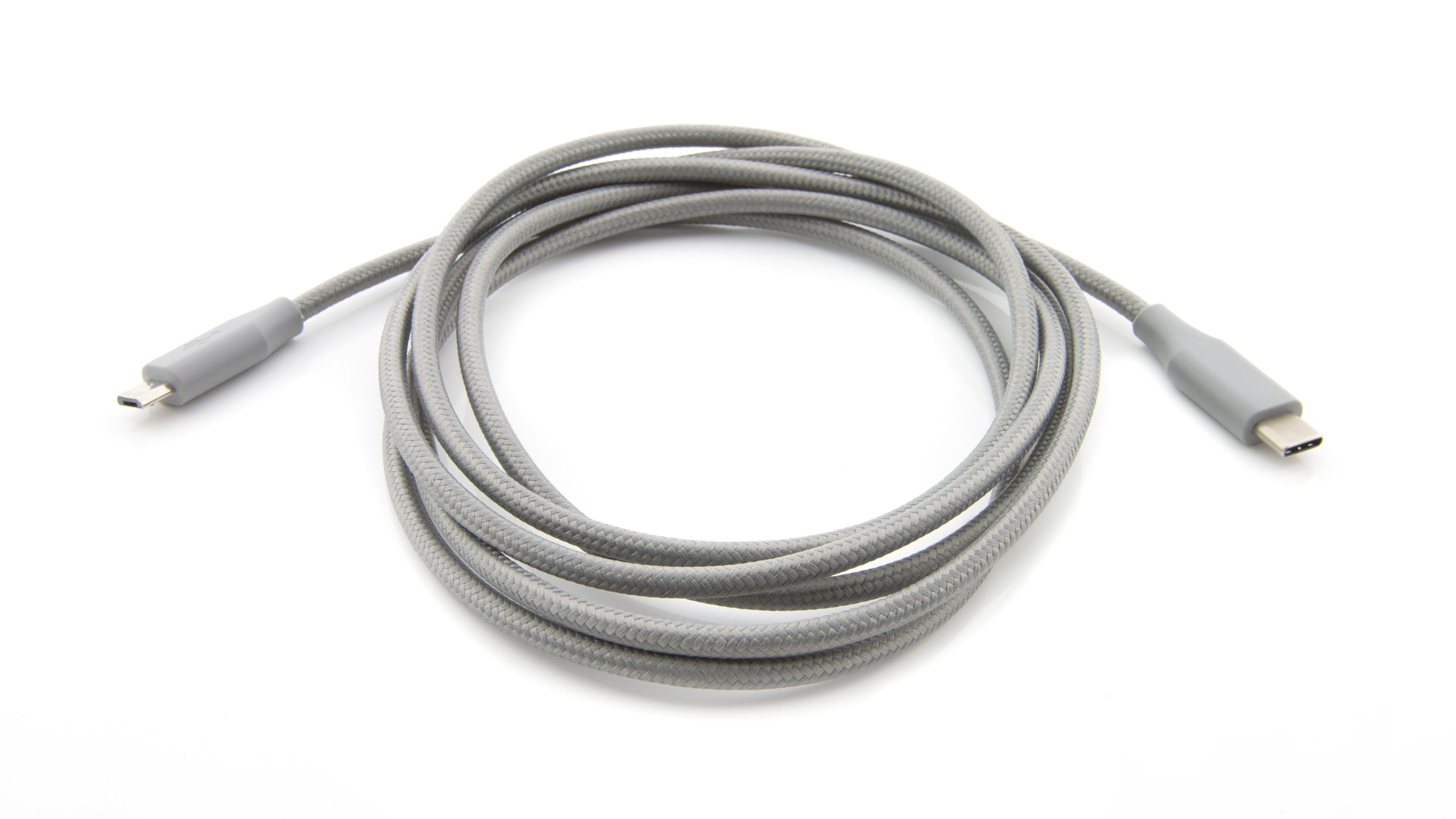 |
Micro USB to USB-C Cable ( |
∘ Any supported Go Direct Sensor with Micro USB charging port* |
➕ 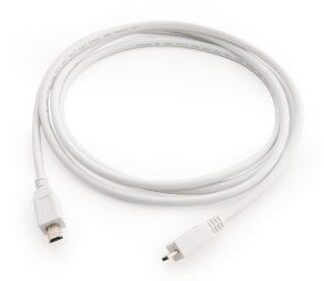 |
Mini USB to USB C Cable Adapter (Available from Texas Instruments) ➕ TI Calculator Data-Only Go Direct Sensor Cable ( |
∘ Any supported Go Direct Sensor with Micro USB charging port* |
 |
Unit-to-unit USB C Cable (Available from Texas Instruments) |
∘ Go Direct Gas Pressure with USB-C charging port (Purchased September 2026 or later*) |
Data Collection Specifications
| Maximum Sample Rate (Minimum interval) |
1000 samples per second (0.001 seconds between samples) Not all sensors support this rate. |
| Maximum Number of Samples | 500 |
| Maximum number of Sensors | 1 |
| Maximum number of Sensor Channels | 1 |
| Sensor Calibration | Not supported 1 |
Additional Links
- Go Direct Sensors & TI-Nspire DataQuest App Troubleshooting and FAQs
- What is needed to use Go Direct sensors with the TI-Nspire DataQuest App?
- Which Go Direct sensors work with the TI-Nspire DataQuest App?
- What are the differences between the TI-84 Evo and the TI-84 Plus CE calculators?
- Which Texas Instruments calculators do you sell?
- Go Direct sensor calibration must be done using our Graphical Analysis or LabQuest Apps. Go Direct sensor calibrations are always stored directly on the sensor, so once a sensor is calibrated, the new calibration will be used when collecting data using the DataQuest App. ↩︎