
If your schools is moving to Chromebooks, or if you are a long-time Logger Pro user switching to Graphical Analysis, you may wonder what the most cost-effective path to continue to use Vernier sensors would be. Each school is a bit different, so this guide is intended to help you navigate some of the most common questions.
If you are starting from scratch, the answer is easy—purchase Go Direct sensors. These will connect directly to computers or Chromebooks running Graphical Analysis by Bluetooth or USB.
If your school is like most, you probably already have at least some Vernier sensors. If so, and they are still in working order, you may already have the hardware you need to use Graphical Analysis on computers or Chromebooks. If not, you will most likely need to invest in new interfaces, such as LabQuest Mini (
Sensors
The biggest part of a school’s investment is usually in the sensors themselves. Good news—most sensors manufactured after 2003 are Graphical Analysis and Chromebook-compatible as long as you have a compatible interface. Note: sensors must Auto-ID when connected to the software to work with Graphical Analysis since there is no way to manually set up a sensor in that app.
| Sensor/Connector Type | Compatible | Notes |
|---|---|---|
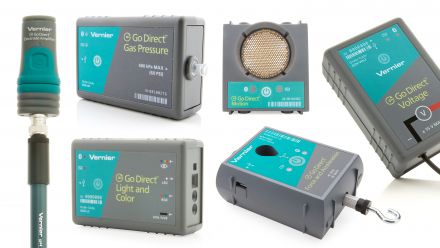 |
Yes | Go Direct sensors can connect either by USB and with a wireless Bluetooth connection. |
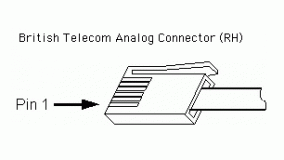 |
Yes | Analog sensors with BTA connectors need to connect to Graphical Analysis through an interface (see below). |
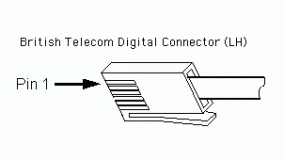 |
Yes | Digital sensors with BTD connectors need to connect to Graphical Analysis through an interface (see below). |
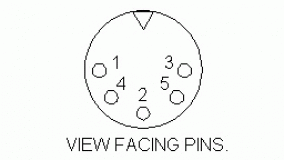 |
No | Sensors with DIN, stereo, US phone, or other connectors, even with an adapter, do not work with Graphical Analysis on computers or Chromebooks. |
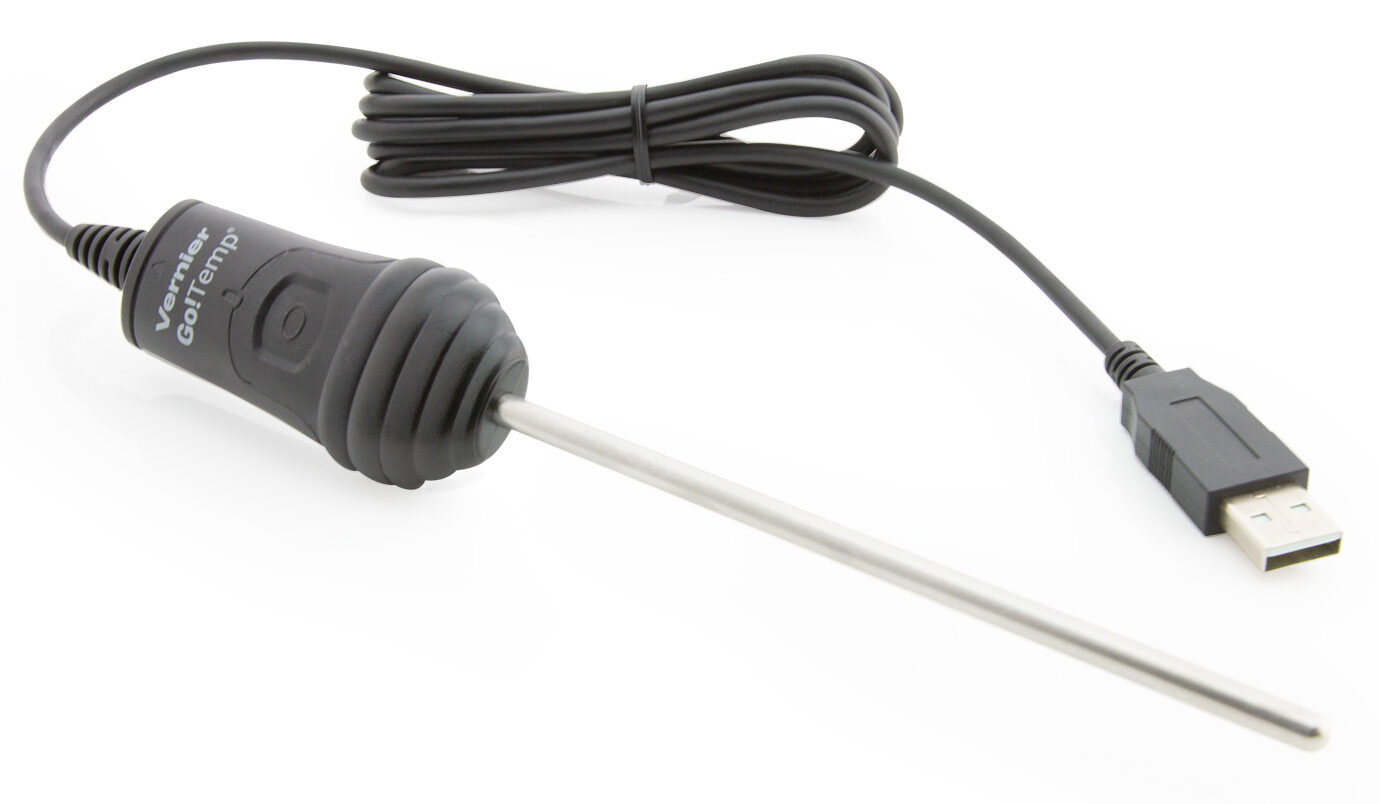 |
Yes | Go!Temp ( |
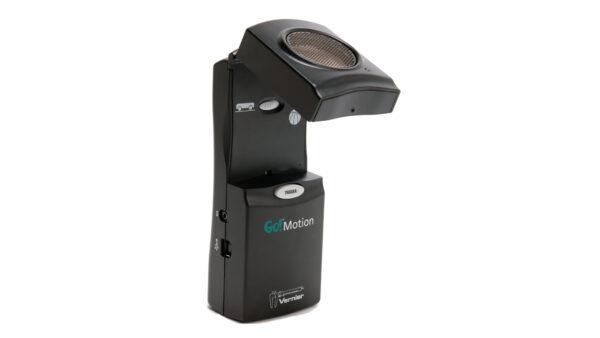 |
Yes | Go! Motion ( |
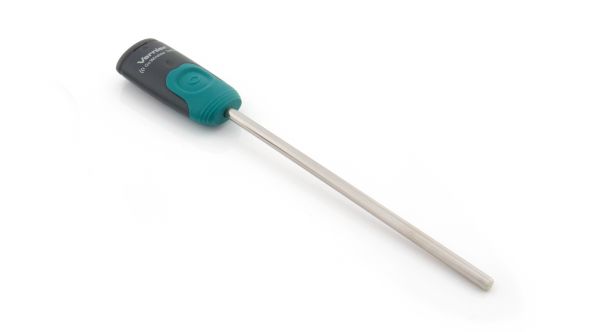 |
No | Go Wireless Temp, Go Wireless pH, and Go wireless Electrode Amplifier are Bluetooth only sensors that are not supported with Graphical Analysis on computers or Chromebooks. |
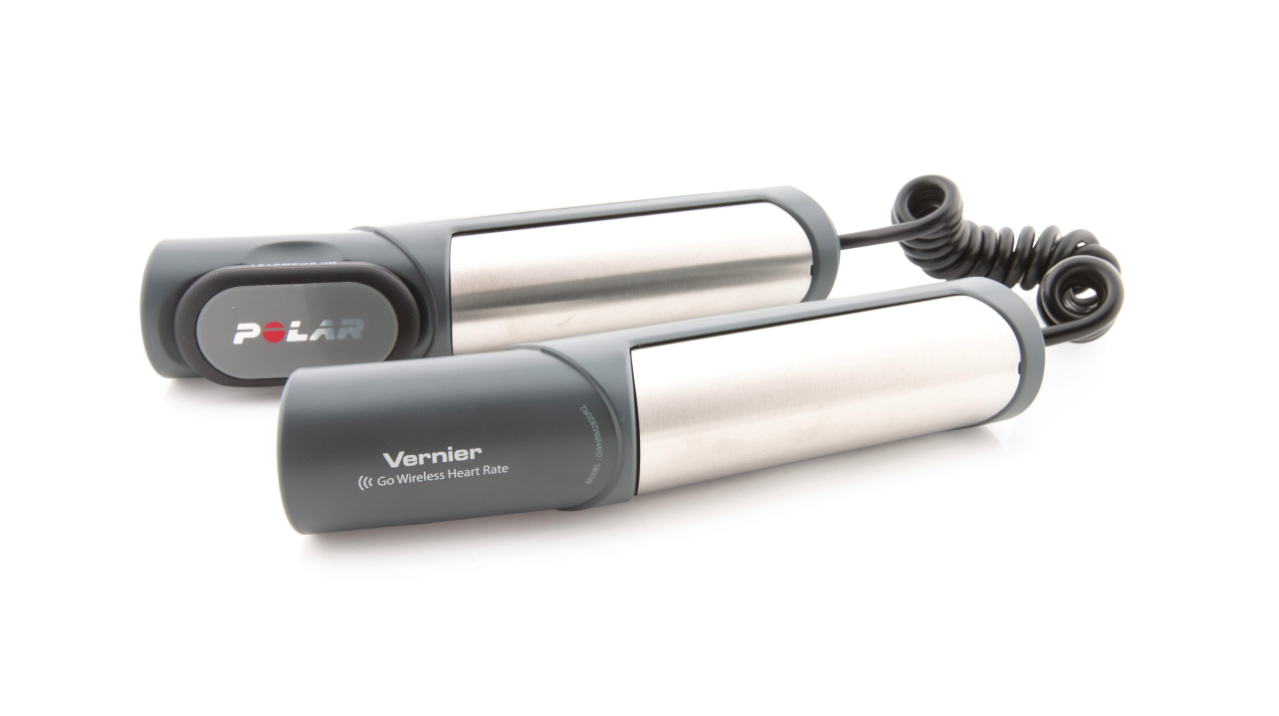 |
Yes | Go Wireless® Heart Rate ( |
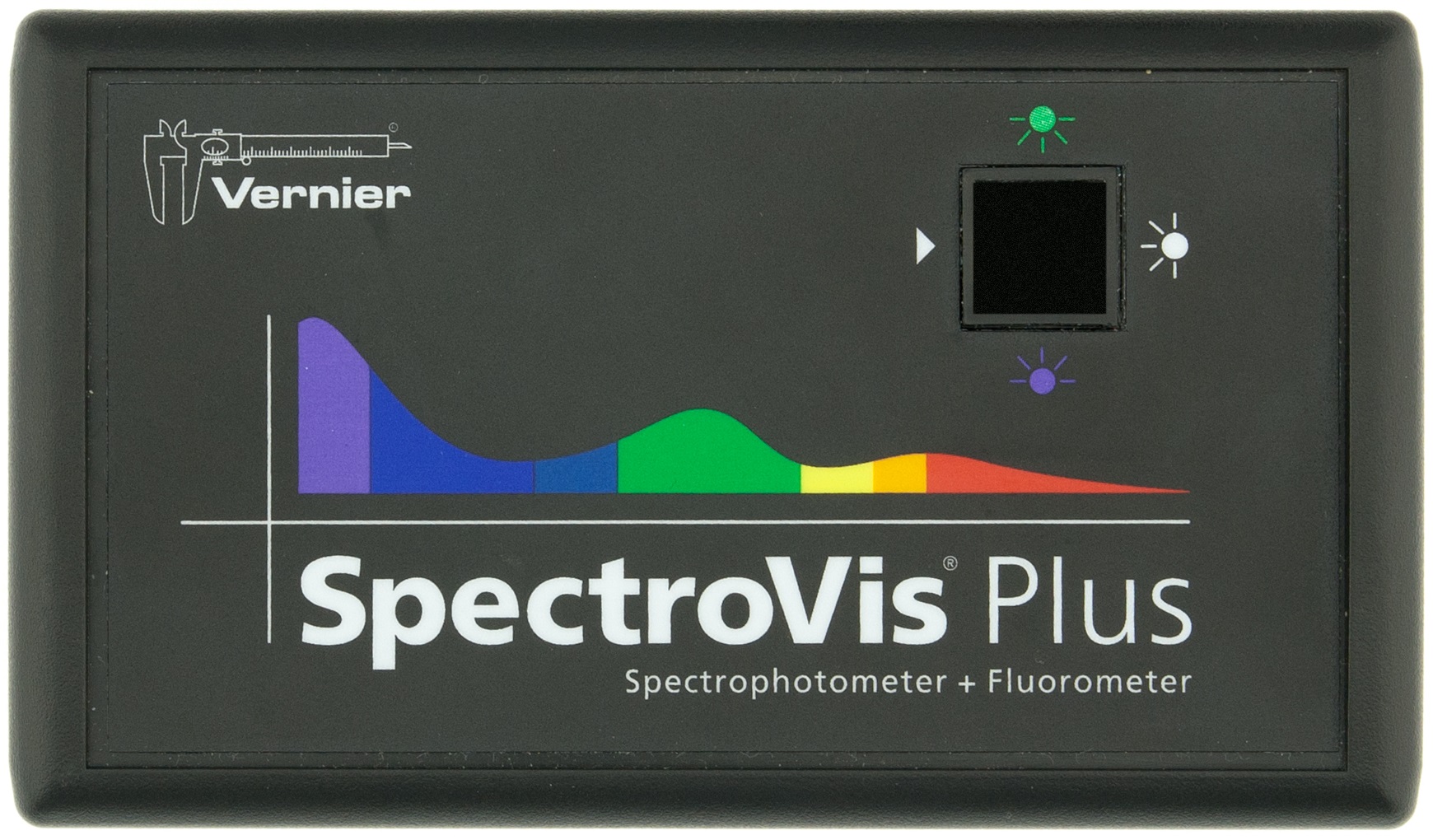 |
Yes | Most Vernier Spectrometers are supported on computers and Chromebooks using the free Spectral Analysis app. |
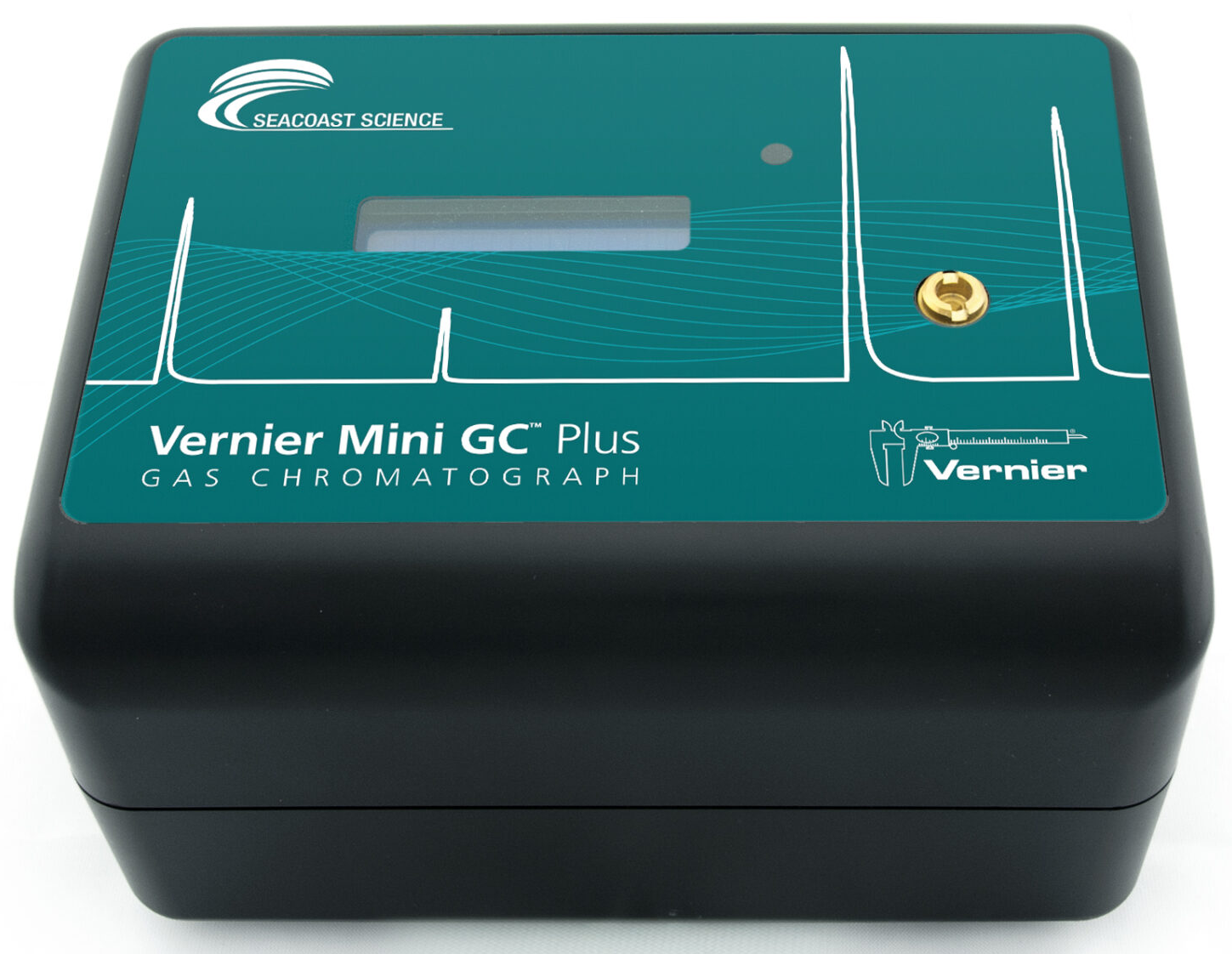 |
Yes | Vernier Mini GC are supported on computers and Chromebooks using the free Instrumental Analysis app. |
Additional Information
Which photogates can I use with Graphical Analysis and Graphical Analysis Pro?
What spectrometers are supported in Spectral Analysis?
What instruments are supported in Instrumental Analysis?
Interfaces
Interfaces are used to connect wired (BTA or BTD) sensors to a device such as a computer or Chromebook. Most USB interfaces work with Graphical Analysis.
| Interface | Compatible | Notes |
|---|---|---|
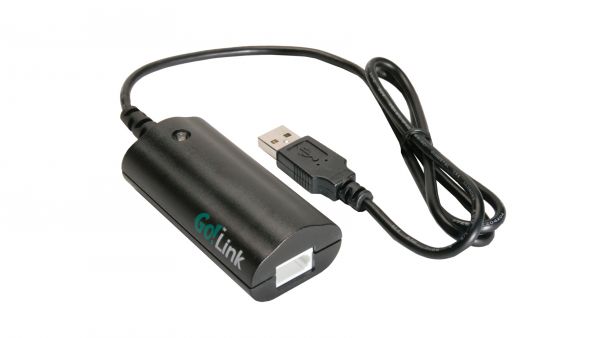 |
Yes | Go! Link ( |
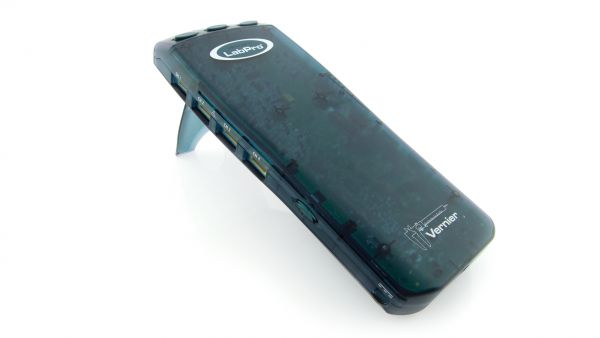 |
No | LabPro ( |
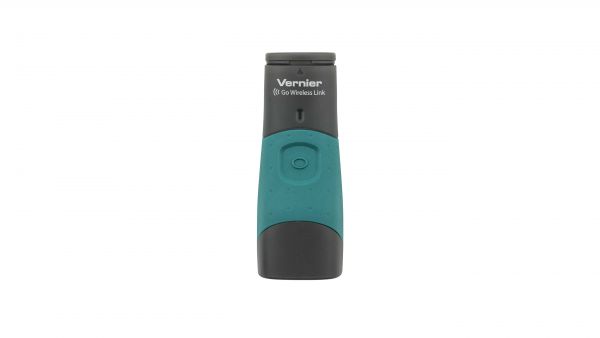 |
No | Go Wireless Link is not compatible with Graphical Analysis on computers or Chromebooks. (Discontinued) |
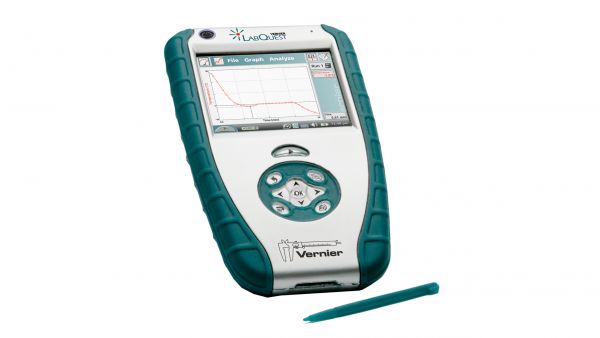 |
Yes | LabQuest ( |
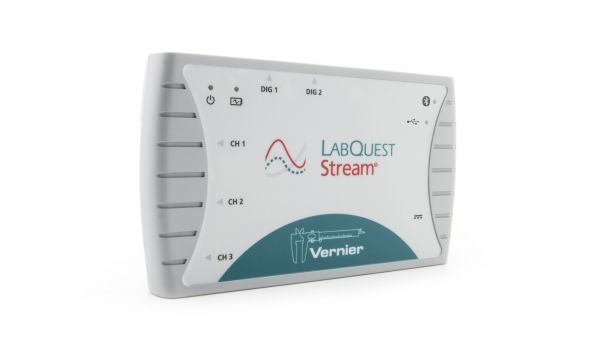 |
Yes | LabQuest Stream ( |
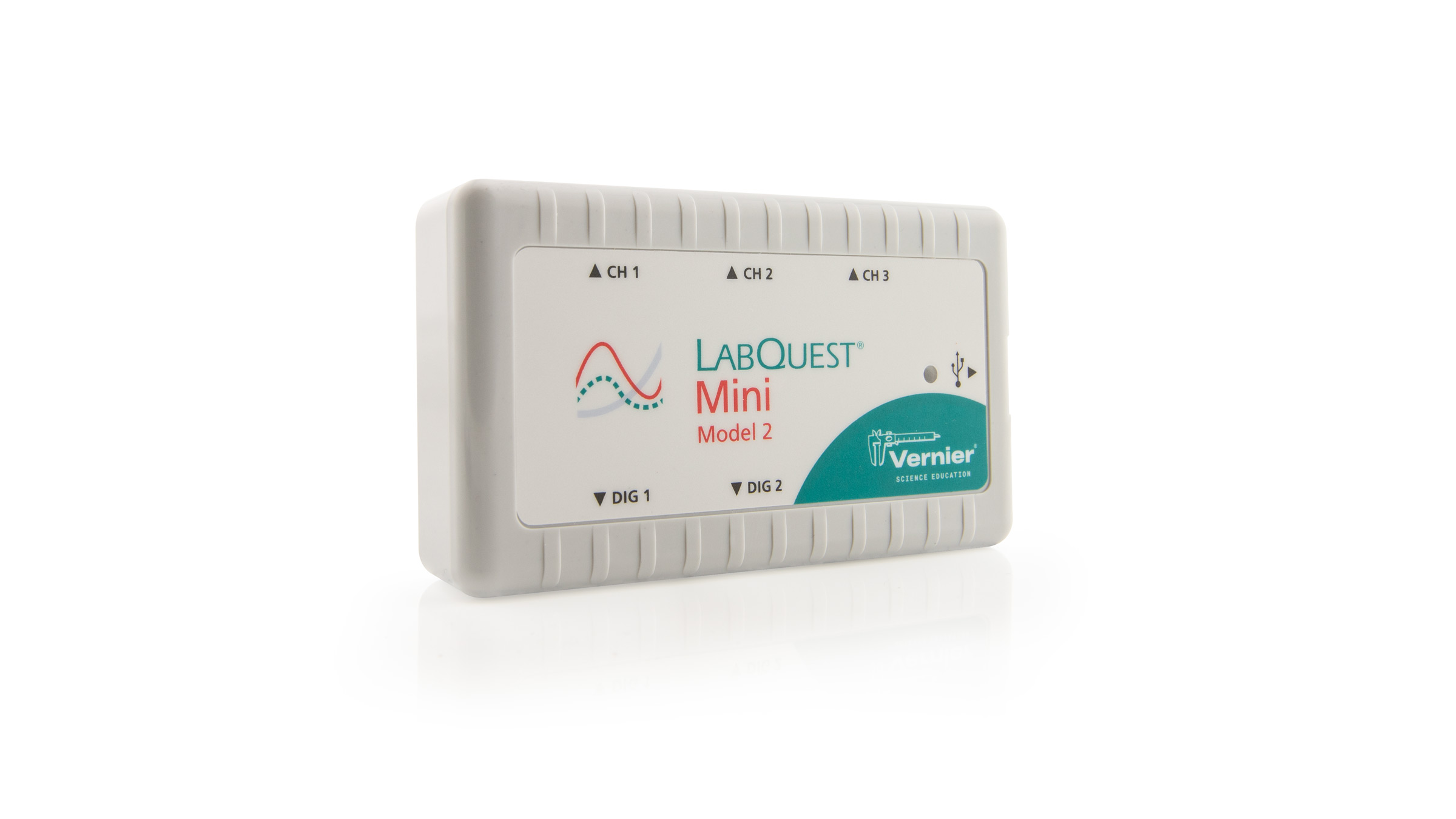 |
Yes | LabQuest Mini ( |
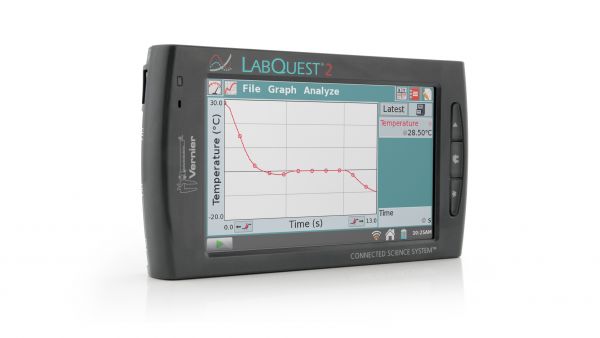 |
Yes | LabQuest 2 ( |
 |
Yes | LabQuest 3 ( |
| Other | No | ULIs, Serial Boxes, MPLIs and other older interfaces are not compatible with Graphical Analysis on computers or Chromebooks. (Discontinued) |
Note: Some computers and Chromebooks have only USB C ports. The compatible sensors and interfaces that connect via USB all come with USB A cables. We sell USB C cables separately; see How do I use Vernier USB products with a computer or Chromebook having only USB-C ports?
Software
A lot of people ask “Do you have Logger Pro for Chromebooks?“. Since there was not a way to convert Mac or Windows software to Chrome, we developed a suite of Analysis apps for use with Chromebooks.
- Graphical Analysis – free app for use with most sensors
- Graphical Analysis Pro – for-purchase upgrade to Graphical Analysis (1, 3, & 5 year license options)
- Spectral Analysis – free app for use with Vernier Spectrometers
- Instrumental Analysis – free app for use with Go Direct Mini GC and other instruments
- Vernier Video Analysis – for-purchase app for analyzing motion of objects in a video (1, 3, & 5 year license options)
Related:
What are the differences between Graphical Analysis Pro and Logger Pro?
What features are available in Graphical Analysis Pro that are not available in the free version?
Google has stopped supporting Chrome Packaged Apps for Chromebooks.
What is the difference between a Progressive Web App and an installed version of Graphical Analysis and other Vernier apps?
Lab Books
We have updated most of our lab books to include instructions that work with the Graphical Analysis app and our other “Analysis” apps. You can access the updated version of any book you have purchased by logging into your Vernier web account at: https://www.vernier.com/account. For more information, see How do I access my lab books from my account on the Vernier website?
Conclusion
We are here to help! We can help you find the best solution for your classroom and budget, including reviewing your school’s purchase records from 1997 to now and figure out how to ride the current wave of technology without spending a lot of money. Please don’t hesitate to contact us for advice.
Related Documents
How can I update to new Vernier equipment and still make use of my old Vernier equipment?
My school is moving to iPad. Will the probeware I already own work with an iPad?