
For access to our web services, create a free account on our website. If your school has purchased books, access the electronic versions through your account. If you have purchased our software, you can use your account to access licensing information and other details.
To create a new account, do the following:
- Click on the following link:
https://www.vernier.com/account
- Fill out the registration form and click “Create Account.”
- After creating your account, the system will send an activation email to the email address you signed up with. Check your email and click the unique link provided in the message.
Note: If you do not see an email from the Vernier Webmaster (mail@vernier.com) in your inbox, check your SPAM folder. If you still do not see the activation email, please contact Vernier Technical Support at info@vernier.com or 888.837.6437.
- After clicking the link provided in the email, you will be taken to a page indicating that your account has been activated.
- Sign in to your account.
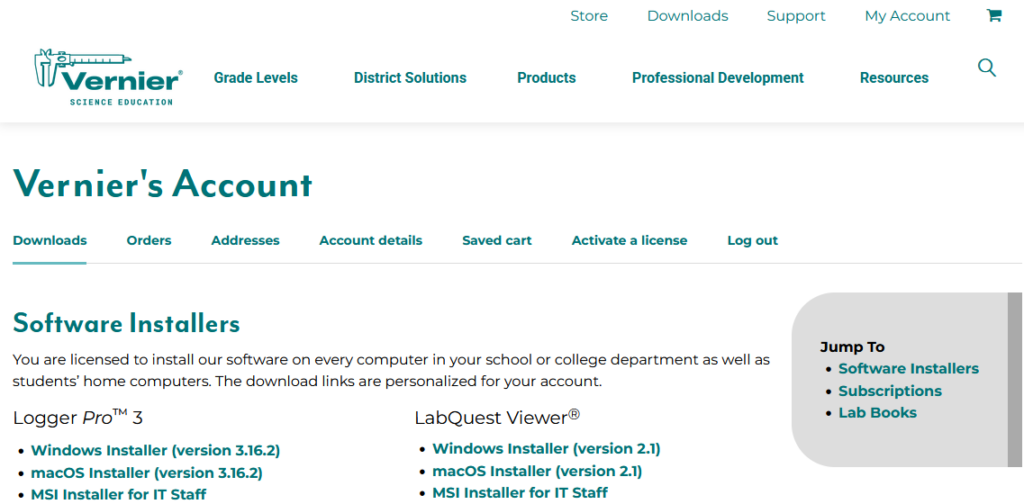
- After signing in, you will be taken to your “My Account” page. Here, you can access any of your site licenses, and saved carts.
Related Articles
- Vernier Website Accounts Troubleshooting and FAQs
- How do I access Logger Pro 3 installers and passwords from my account on the Vernier website?
- How do I distribute Logger Pro 3 to my students?
- How do I distribute Logger Pro to my IT Department?
- How do I access LabQuest Viewer installers and password from my account on the Vernier website?
- How do I access Graphical Analysis Pro and Vernier Video Analysis License Keys from my account on the Vernier website?
- How do I access my lab books from my account on the Vernier website?
- I cannot log in to the Vernier website.
- Can international customers create an account on the Vernier website?