
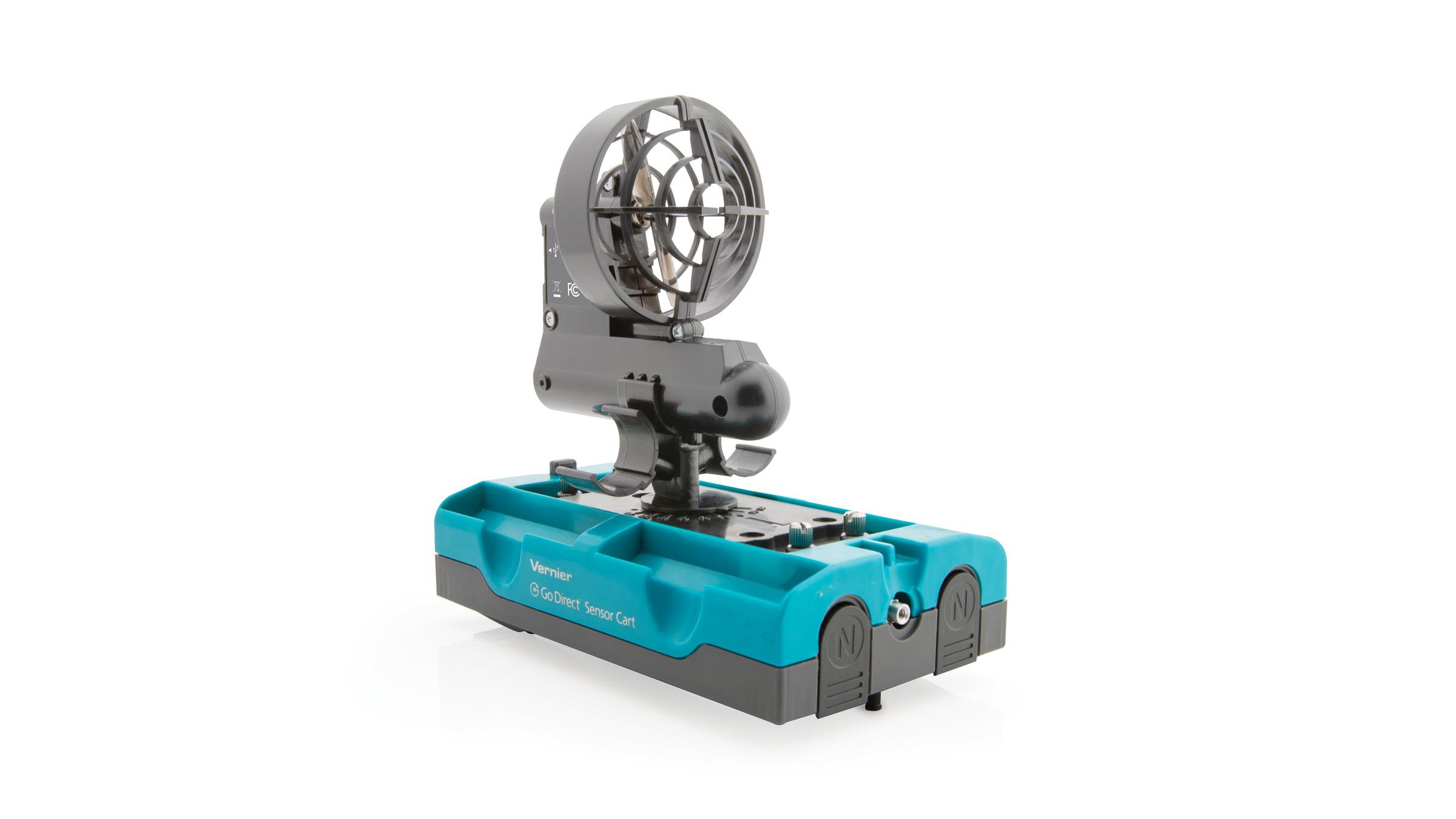
Cart Fan (DTS-CFAN )
Troubleshooting
Primary Test: Press the Start/Stop button. The fan should turn on. Select a thrust level using the Selection button and press the Start/Stop button. The Thrust/Duration Indicator LEDs will flash orange for 2 sec as a countdown before turning on the fan. If the fan battery is low, the Thrust/Duration indicator and charging LEDs will alternately flash red.
New Cart Fans will arrive with a variety of battery states. Some may be nearly fully charged, others very low. It is recommended you charge new Cart Fans for 8 hours before using them in class. If you use it immediately, you may find that the Cart Fan cannot provide higher thrust levels or durations. For more details, see My Cart Fan flashes a red LED sequence. What does that mean?.
Additional Troubleshooting
- My Cart Fan doesn't turn on.
- My Cart Fan flashes a red LED sequence. What does that mean?
- How do I replace the rechargeable battery in a Cart Fan?
- Can I use the Cart Fan (DTS-CFAN) with a Vernier Dynamics System (VDS) Cart?
- How do I install the Cart Fan mounting plate on a plastic DTS cart?
- My Cart Fan is loose or falls out of the mounting bracket.
- How do I use the Cart Fan propeller spacing tool?
- Cart and Track System Troubleshooting and FAQs
- Which model dynamics cart do I have?
Specifications
- Attaches to Go Direct Sensor Carts and Dynamics Cart and Track System (DTS) Carts
- Mounting plate accommodates 1, 2, or 3 fans
- Fan(s) can be oriented up to 90°off-center (in 15°intervals)
- 4 thrust levels (low, medium, high, super)
- 4 duration levels (1, 3, 6, 60 s)
- Includes rechargeable battery and charging cable