
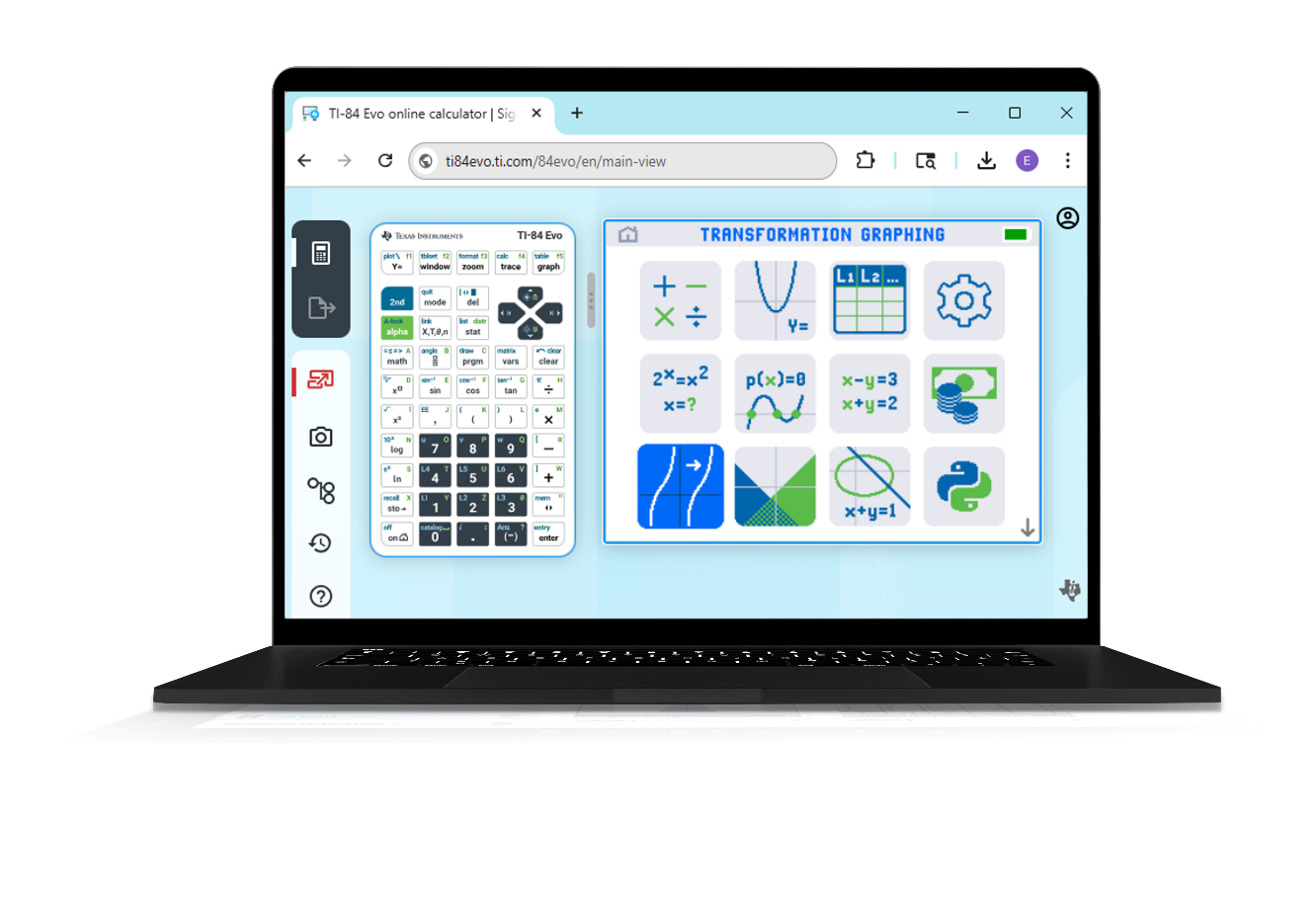
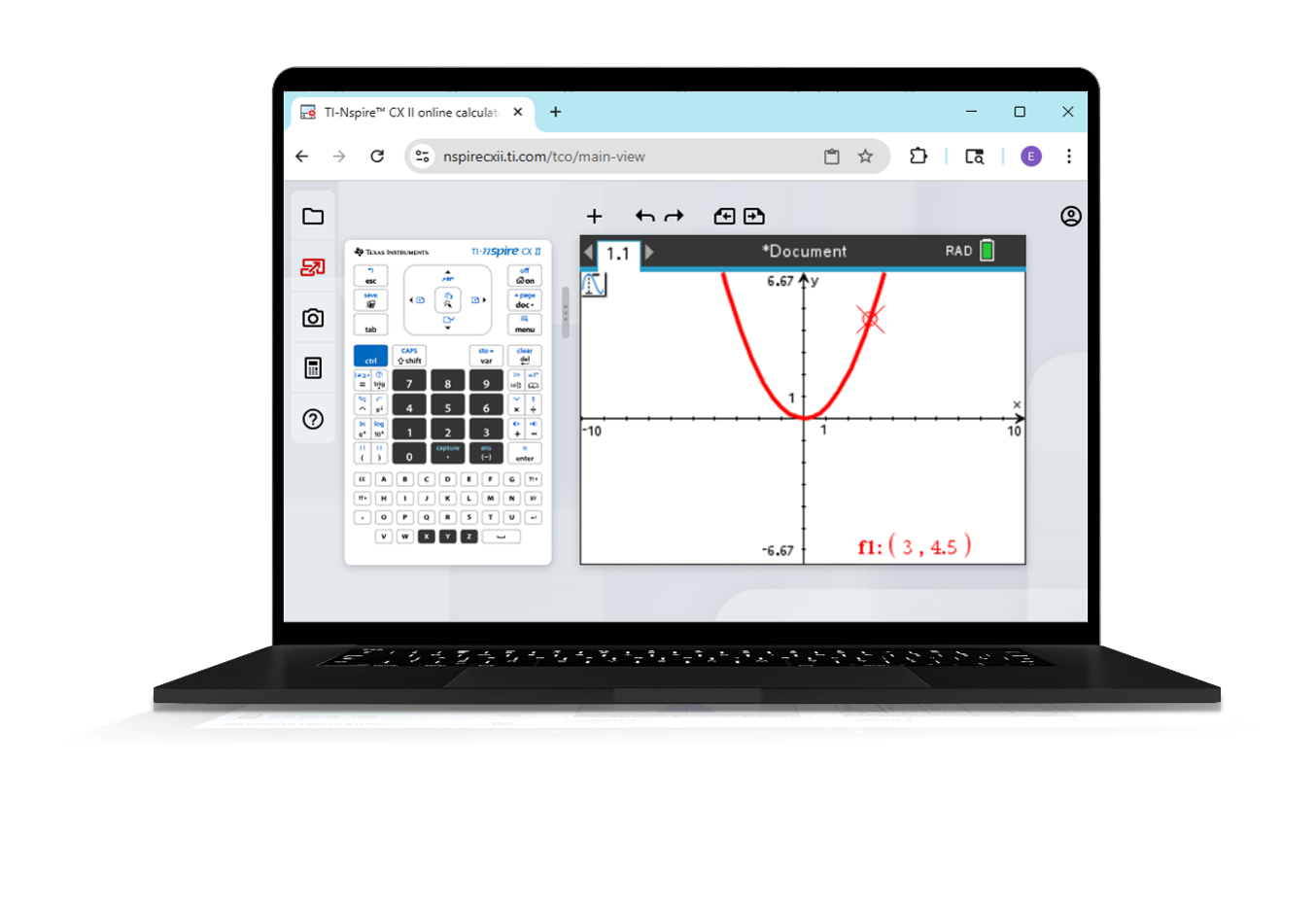
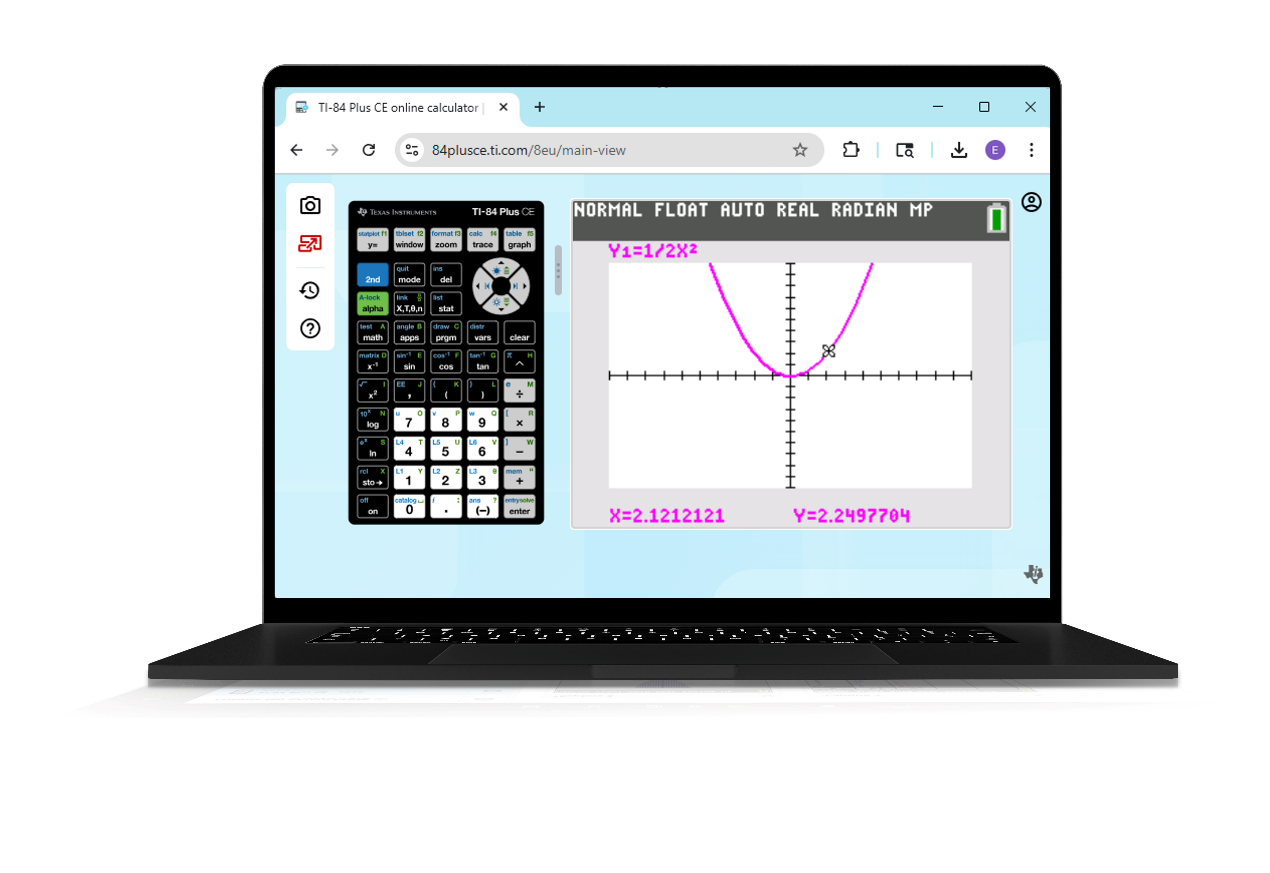
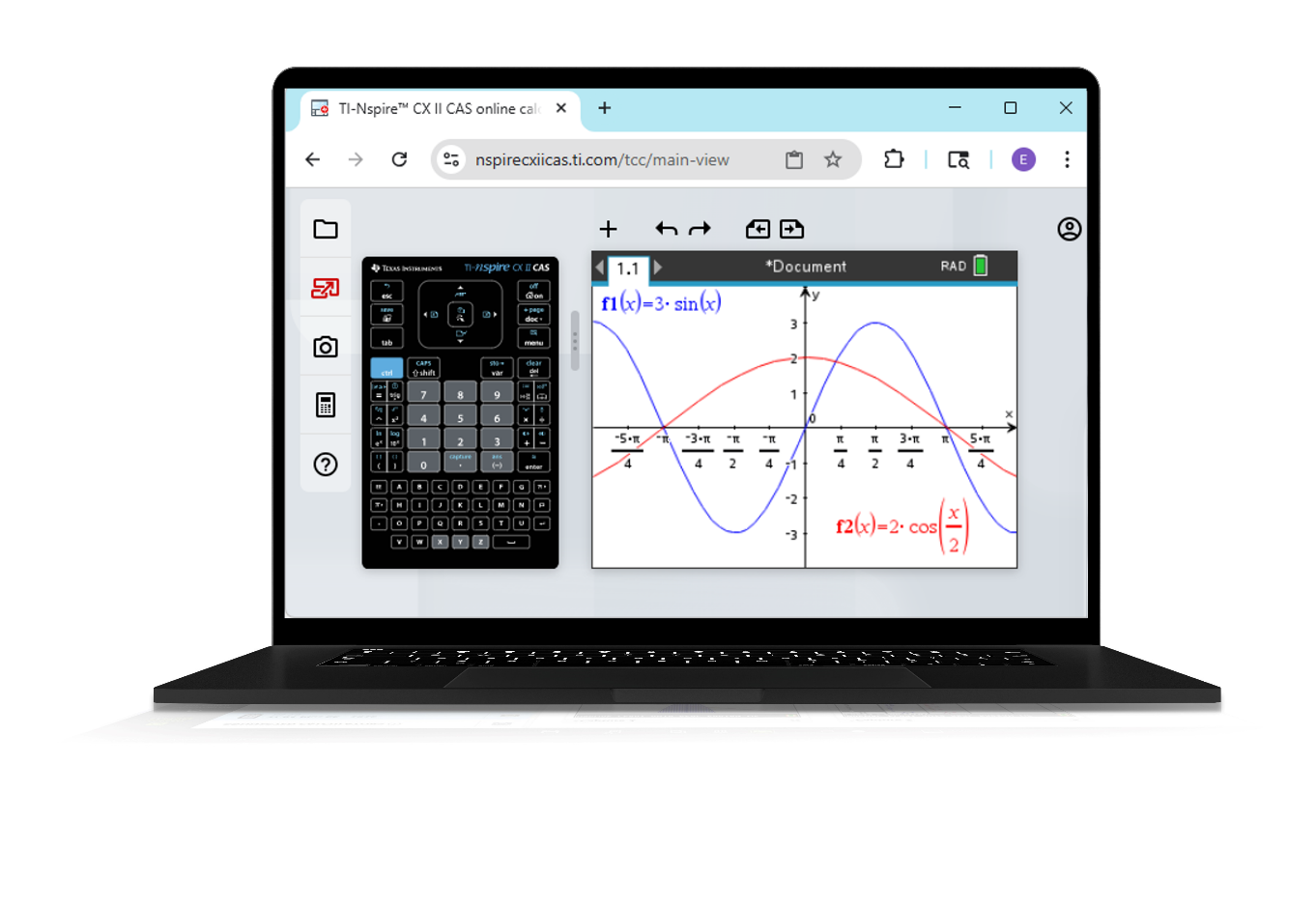
Note: These apps run in the Chrome Browser on a Windows, macOS, or Chrome OS computer. Phones and tablets are not supported.
Activation Information
- Single-user License
- Activation codes are sent electronically from Vernier
- Use the Activation Link provided to go to the License Activation Center.
- On the Sign in screen, select the link to “Create an account” or choose to Sign in using an existing Google or Microsoft account.
- Use the activation key provided to complete the activation process.
- Bookmark the appropriate page to access the app to easily access the application once it has been activated
- TI-84 Evo: https://84evo.ti.com/
- TI-84 Plus CE: https://84plusce.ti.com
- TI-Nspire CX II: https://NspireCXII.ti.com
- TI-Nspire CX II CAS: https://nspirecxiicas.ti.com
- Multiple-user Licenses
- License information is sent electronically from Texas Instruments to the License Administrator
(look for emails from no-reply@ti.com and no-reply@edtech-mail.ti.com) - The License Administrator must do the following:
- Redeem the licenses
- Import student/instructor info into the licensing system
- Assign licenses to student/instructor accounts (licenses can be revoked and reassigned as needed)
- Bookmark the appropriate page on student and instructor devices so they can easily access the app
- TI-84 Evo: https://84evo.ti.com/
- TI-84 Plus CE: https://84plusce.ti.com
- TI-Nspire CX II: https://NspireCXII.ti.com
- TI-Nspire CX II CAS: https://nspirecxiicas.ti.com
- License information is sent electronically from Texas Instruments to the License Administrator
Using the Online Calculator
Once activated, use your Chrome browser to access the app, then sign into the app using the account you created as part of the activation step. Internet access is required when logging in. For more information on how to use the application, see the Online Calculator user manual.
Frequently Asked Questions
Additional Support
Contact Texas Instruments

1-800 TI CARES
