Shop

The LabQuest Family: Trusted Tools for Hands‑On Data Collection

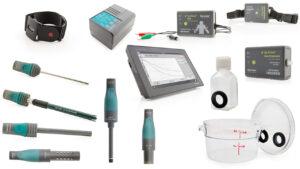
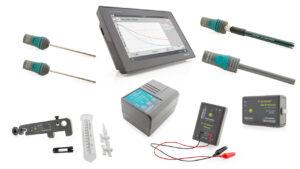
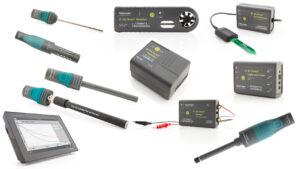
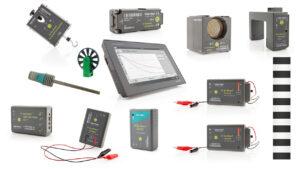
LabQuest® interfaces and wired sensors offer reliable solutions for real‑time data collection across all science disciplines. Designed for classrooms and labs, they connect students with hands‑on investigations and meaningful science learning.
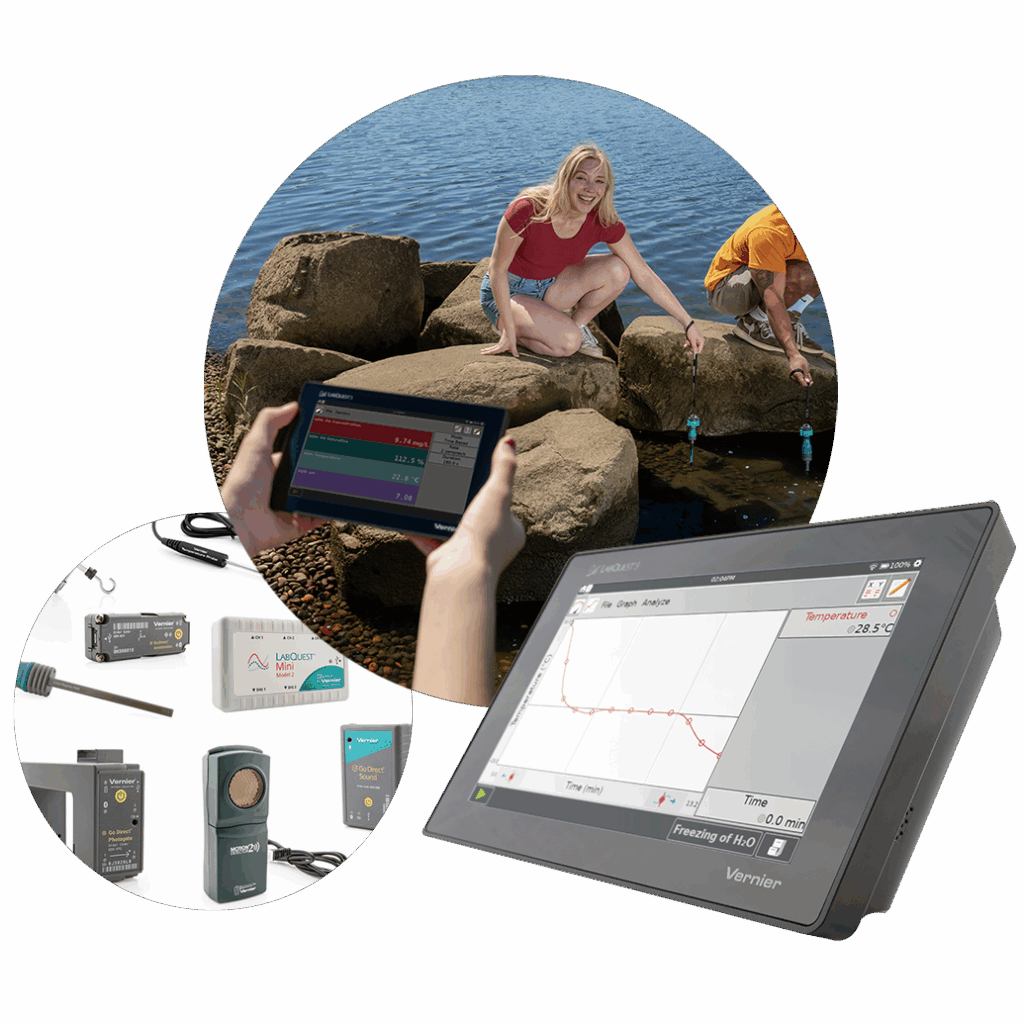
photo collage of LabQuest 3, a selection of LabQuest-compatible sensors, and students using LabQuest 3 in the field

Meet Our LabQuest Interfaces

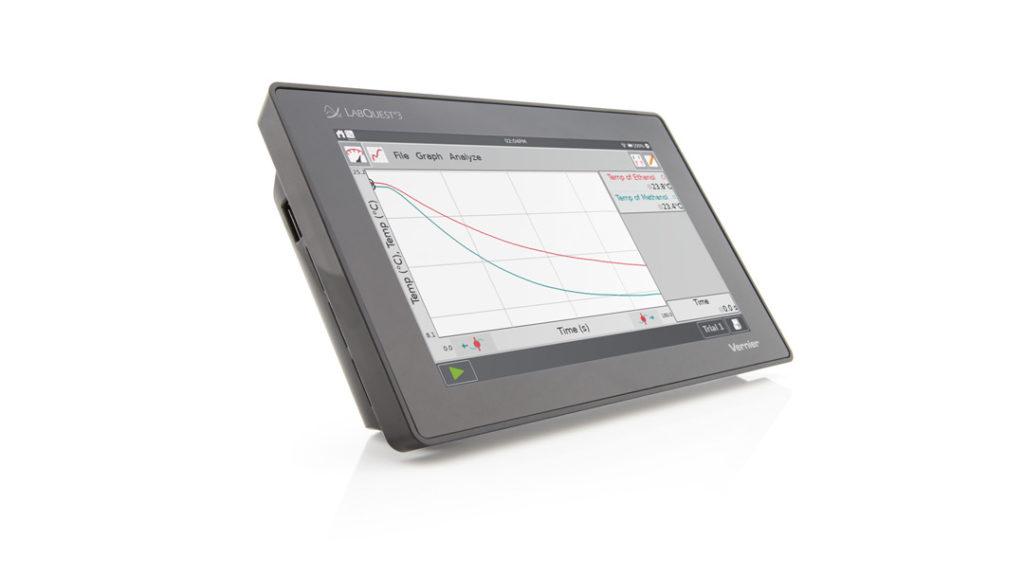
LabQuest 3

Best for classrooms that need a dedicated, distraction‑free device (no computers required),  LabQuest 3 is a powerful, standalone solution for sensor‑based investigations.

With a large, high‑resolution touchscreen, built‑in WiFi and Bluetooth®, and a rechargable battery, it’s designed for classroom, lab, or field use—no other devices needed.
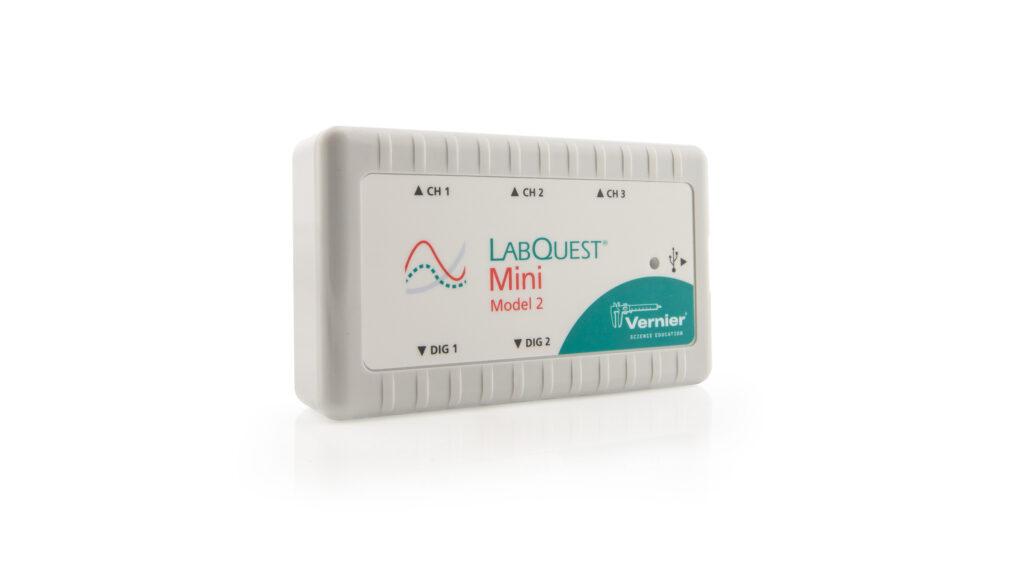
LabQuest Mini (Model 2)

LabQuest Mini

Best for classrooms already using computers and Chromebooks™, LabQuest Mini brings data collection to teachers who don’t need the versatility of a standalone device.

This plug‑and‑play solution connects LabQuest wired sensors to your existing devices, making it ideal for 1⁠:⁠1 or shared device classrooms.

What You Need to Get Started

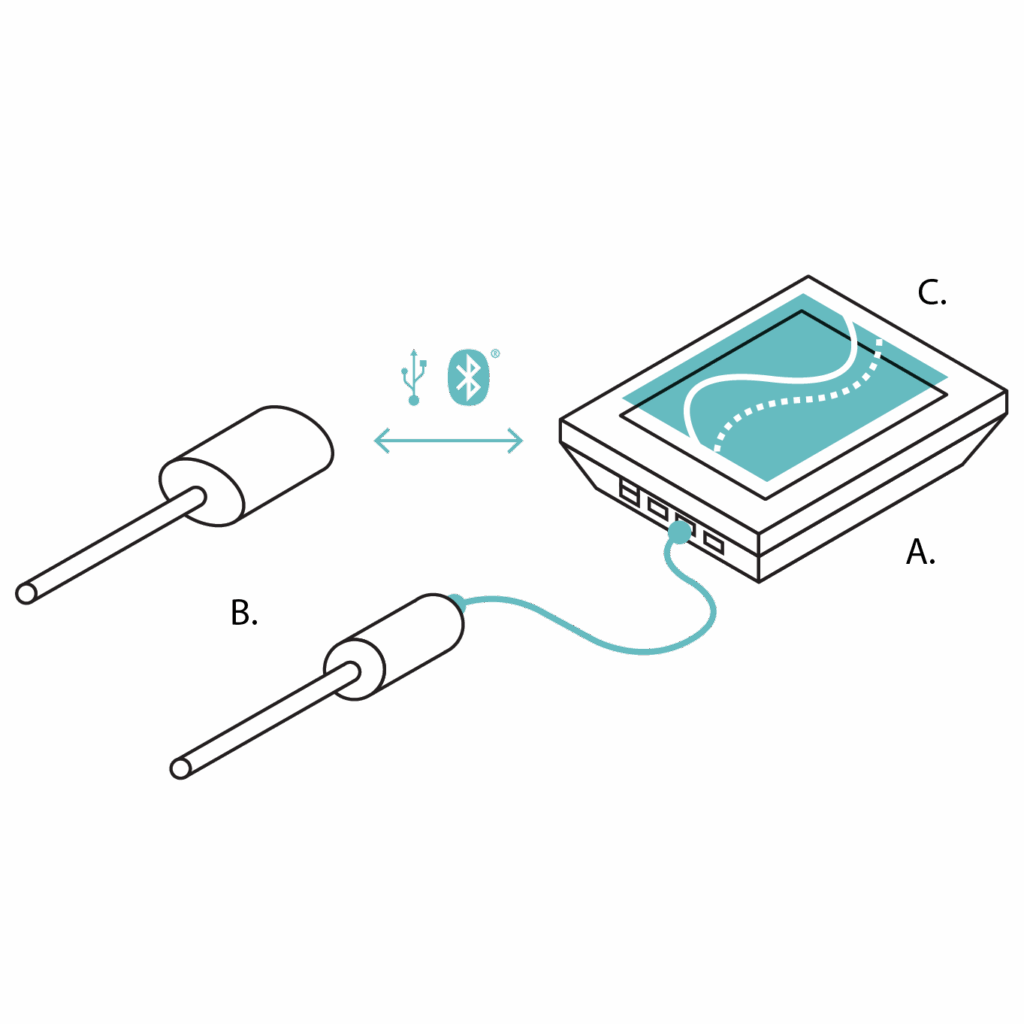
A. LabQuest 3

B. Sensors

Compatible with all Vernier sensors—both wired and wireless. LabQuest 3 connects directly to LabQuest wired sensors and pairs wirelessly with Go Direct® sensors.

C. Software

No additional software needed—LabQuest App is built‑in, providing real‑time graphing and analysis on the device. LabQuest 3 can also wirelessly share data with Vernier Graphical Analysis on student devices, including computers, tablets, and smartphones.

illustrated diagram of A. LabQuest 3; B. wired or wireless sensors; C. LabQuest App
OR

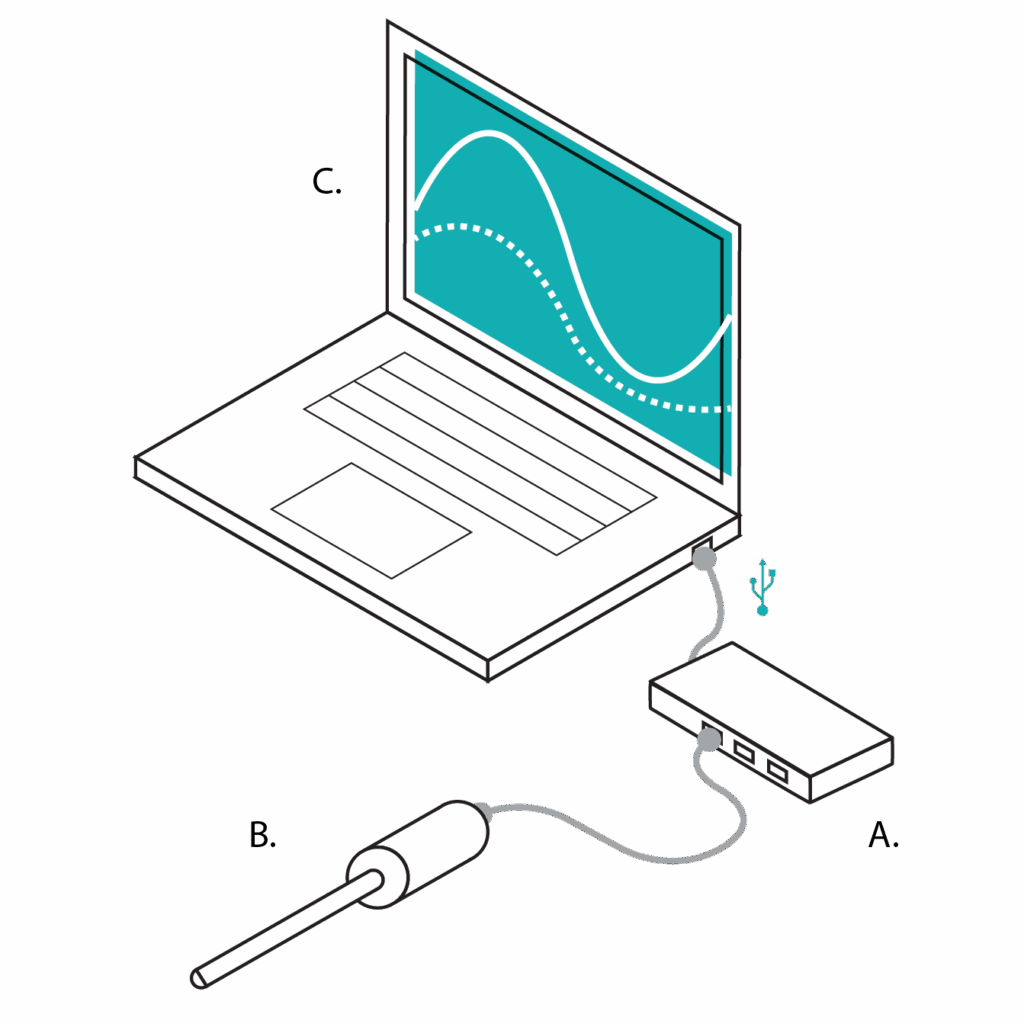
A. LabQuest Mini

B. Sensors

LabQuest Mini connects our full range of LabQuest wired sensors to a computer or Chromebook via USB.

C. Software

Vernier Graphical Analysis is required when using LabQuest Mini with computers or Chromebooks. Graphical Analysis is a free app for data collection and analysis—upgrade to Pro for advanced features like custom calculations, curve fits, and enhanced graphing. 
illustrated diagram of A. LabQuest Mini; B. wired sensors; C. Laptop running Graphical Analysis app

Looking for Experiments?

Choose content from experiments from our award-winning lab books. With over 45 lab books supporting Vernier sensors and the Graphical Analysis app, you’ll find hundreds of classroom-tested, customizable experiments to seamlessly integrate probeware into your curriculum. Student instructions for over 75 of our most popular experiments are included in the built-in software of LabQuest 3.

See LabQuest 3 in action with Go Direct Force Plate.

Watch as we demonstrate how to observe the change in normal force during an elevator ride with the Go Direct® Force Plate and LabQuest 3.

LabQuest Viewer App

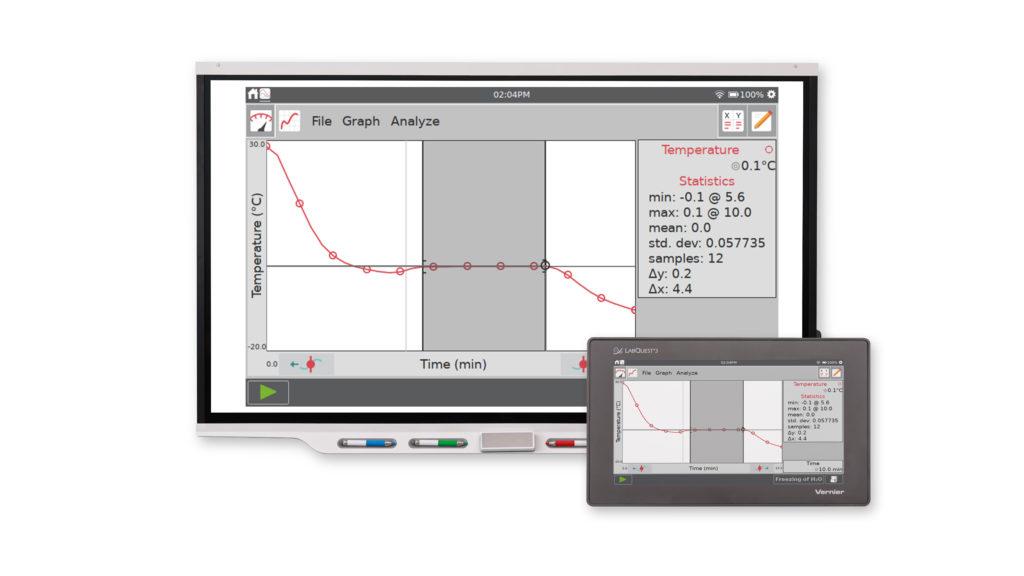
Teach students how to use LabQuest 3 by projecting your LabQuest screen.

Display live images of all LabQuest units in your lab to monitor student progress or compare group data. LabQuest Viewer® is compatible with both macOS® and Windows®  computers.

Computer software includes a site license for every teacher’s computer in your school.

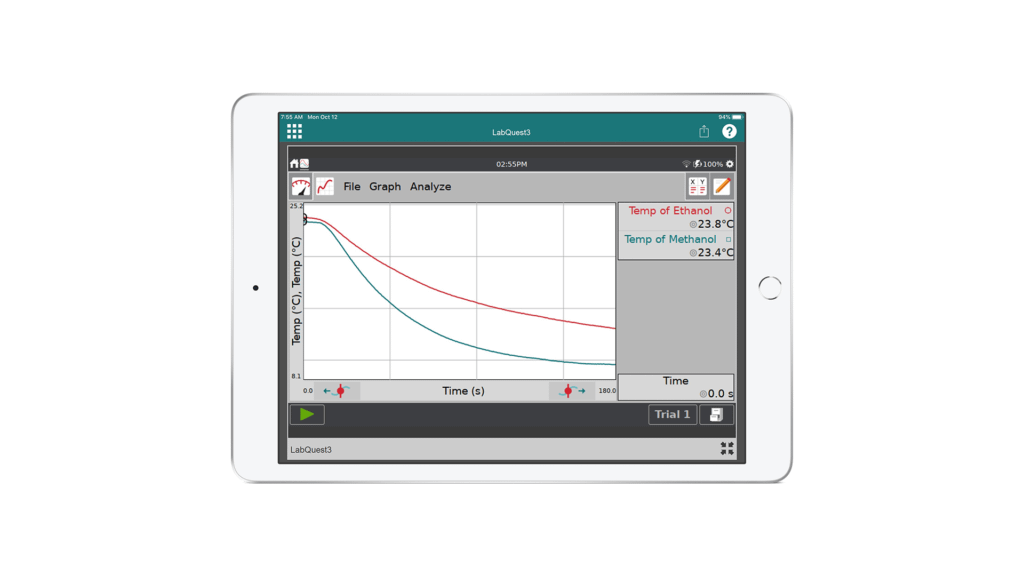
Display and control LabQuest 3 from your iPad®.

With LabQuest Viewer for iPad®, demonstrate how to use LabQuest 3, monitor student progress during labs, and enhance post‑lab class discussions.

We are scientists, educators, and your team.

As you implement data-collection technology into your teaching, we’re here to support you! Looking to learn more about our products or have questions about ordering? Reach out to our team at support@vernier.com

Are you a district or school administrator?

If you are considering an adoption or seeking training options, we are here to support you every step of the way. Contact our solutions team at k12outreach@vernier.com.

SAVE/SHARE YOUR CART